Now on iPhone and Android
Run the queue from the floor, not from behind the counter
The ScanQueue staff app puts the live queue in your team's pocket. Call the next customer, add a walk-in, and check in a booking without walking back to the tablet. Free on every plan.


This is the app for your team. Your customers still install nothing: they scan your QR code and join in their browser.
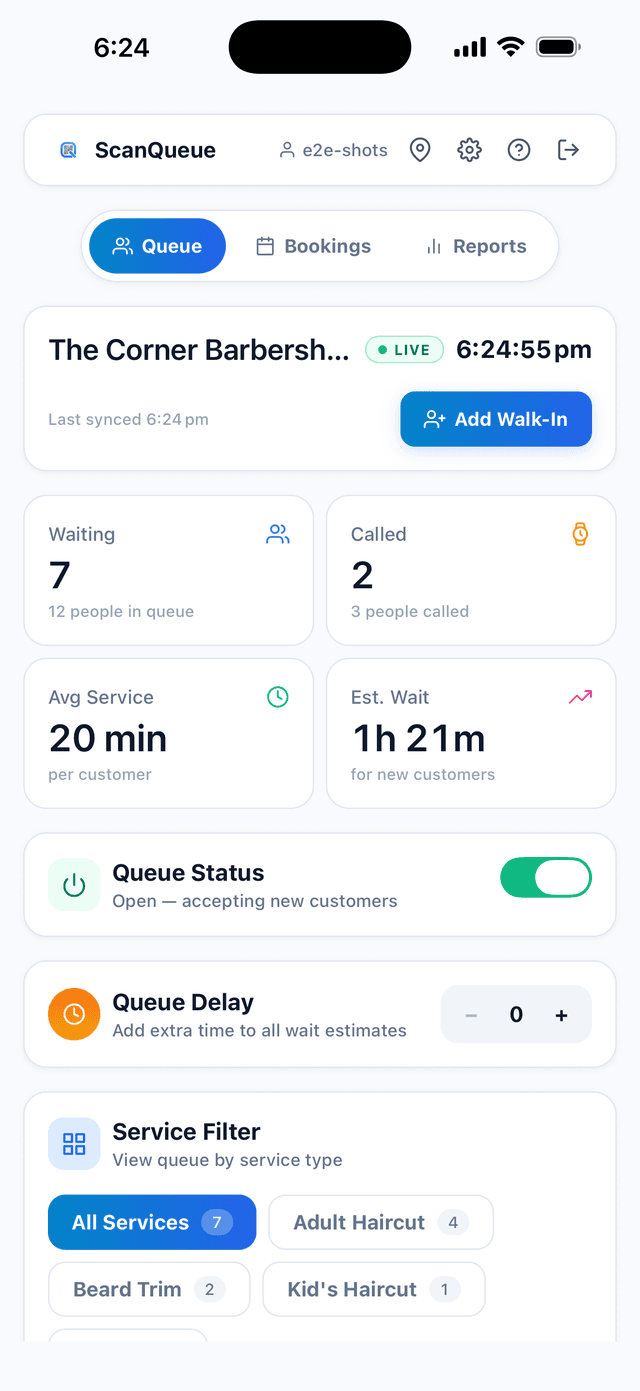
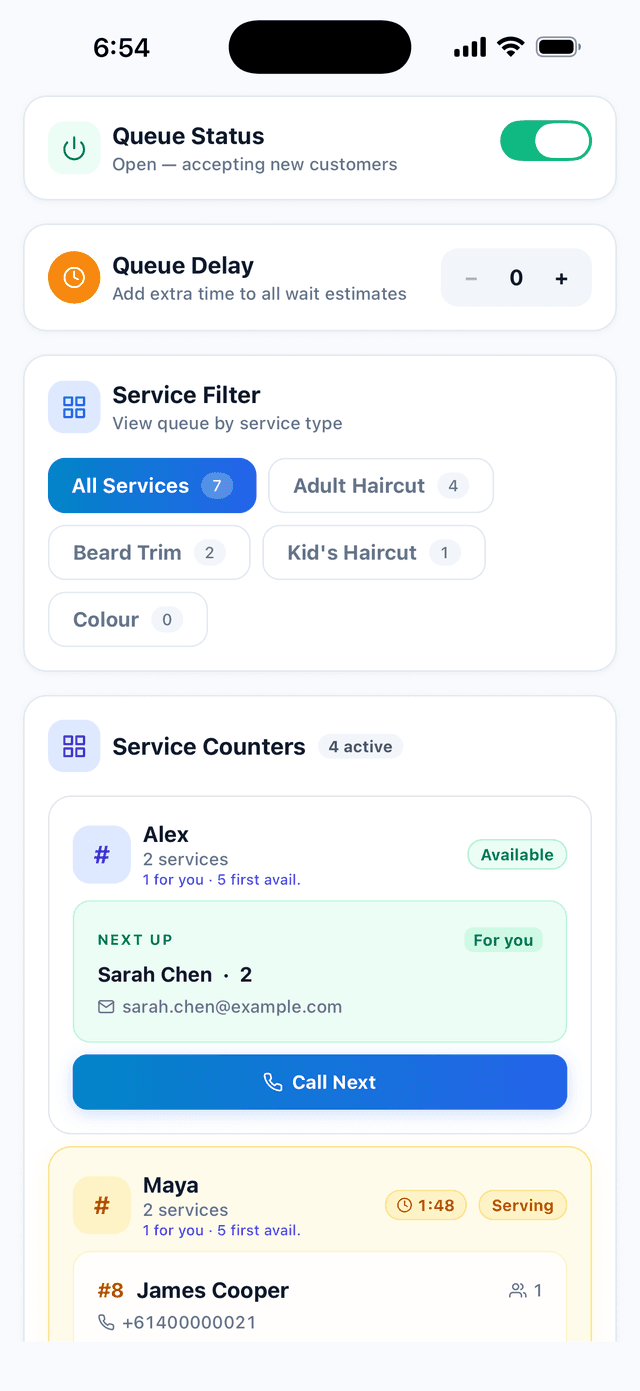
The ScanQueue mobile app is a free staff app for iPhone, iPad, and Android that runs the live queue. It covers the operational side of queue management, calling customers, adding walk-ins, checking in bookings, and monitoring capacity, while configuration and reporting stay on the web dashboard. Customers never install anything: they join by scanning a QR code in their browser.
Operational on the phone. Administrative on the web.
We did not try to shrink the whole dashboard onto a 6-inch screen. The app carries the decisions you make standing up, and leaves the ones you make sitting down where they belong.
In the app
Decisions you make on your feet
- Call the next customer, from anywhere in the room
- Mark served, mark no-show, and recall a no-show
- Add a walk-in at the counter
- Reorder the queue and move someone to the front
- Switch between service counters or staff members
- Check in and reschedule bookings
- Watch live capacity
On the web dashboard
Decisions you make at a desk
- Reports, analytics, and history exports
- Full settings and notification templates
- QR code design and printing
- Billing, plans, and invoices
The app links out to these rather than hiding them. Full configuration lives at scanqueue.com/dashboard.
What your team gets
PIN sign-in for staff
Your team taps their name and their staff PIN, the same one they already use on the web dashboard. You do not need to create an email login for every person on the floor, and nobody shares a password. Owners and managers sign in normally with email and password.
The same queue, not a copy of it
The app talks to the same account and the same live data as the web dashboard. When someone calls a customer from their phone, the counter tablet, the waiting-room TV, and every other open dashboard update immediately, and the customer gets their SMS or WhatsApp exactly as they would have. There is no sync step and no export.
Phone and tablet layouts
There is a dedicated tablet layout for iPad and Android tablets, which is what most counters and host stands end up using. If you want a locked-down kiosk, iOS Guided Access will pin the app to the screen so staff cannot navigate away.
Free on every plan
The app is included everywhere, including the free Starter plan. There is nothing to buy inside it. If you already have a ScanQueue account, download it and sign in.