The humble waitlist has come a long way.
For decades, managing a queue meant a host with a clipboard, squinting at illegible handwriting while customers crowded around asking, "Is our table ready yet?" Then came pagers—those buzzing hockey pucks that restaurants handed out by the dozen. Better, but still clunky.
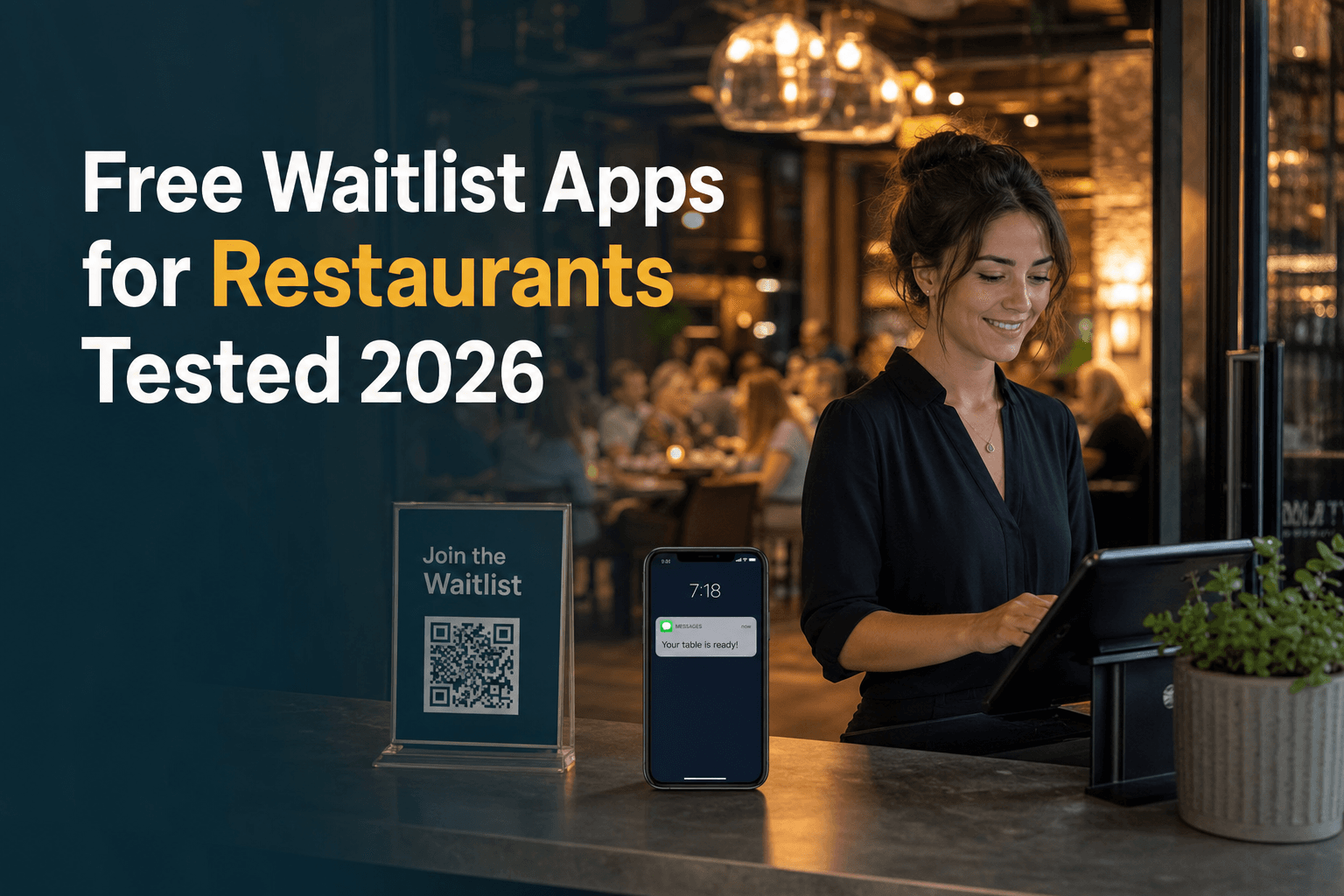
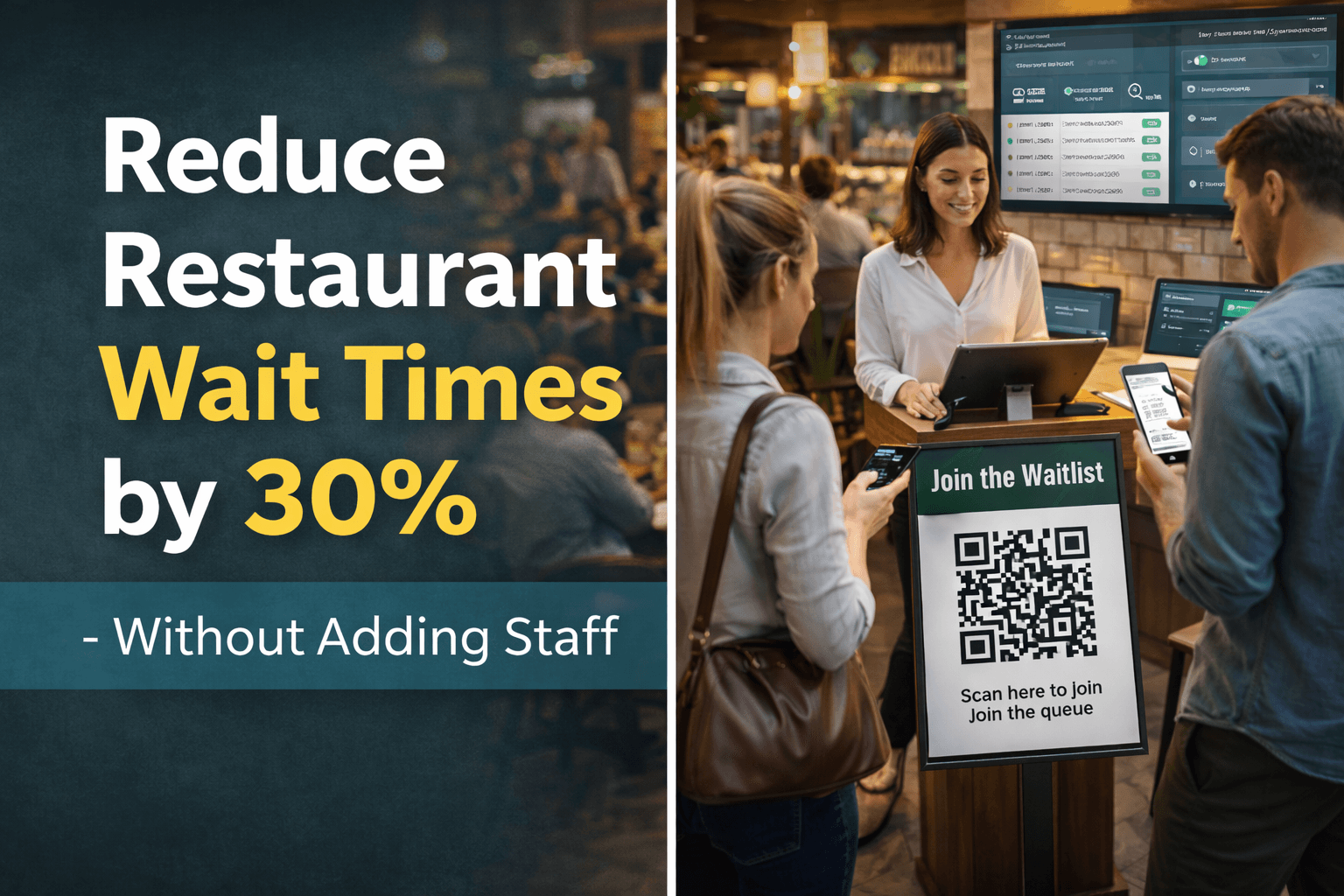
Today, we're in the midst of another revolution: QR code check-in systems that let customers join your waitlist in seconds using nothing but their smartphone.
But is newer always better? Are QR codes truly superior to traditional methods, or is it just tech for tech's sake?
In this comprehensive comparison, we'll examine both approaches across every dimension that matters: cost, customer experience, operational efficiency, and practicality. By the end, you'll know exactly which system is right for your business.
Let's dive in.
Ready to switch to a QR code queue? See how ScanQueue's QR Code Queue System works — free plan available, no app required.
How do you manage a restaurant waitlist digitally?
Put a QR code at the door so guests add themselves to the list from their phone with their name and party size, let them wait wherever they like, and text them when their table is ready. ScanQueue, for example, runs a restaurant waitlist this way with no app for guests and no pagers or tablets to buy: the host sees every party on one screen and taps Notify to send a WhatsApp or SMS message.
How Traditional Waitlist Systems Work
Before we explore the new, let's understand the old. Traditional waitlist management generally falls into three categories.
1. Paper Lists and Clipboards
The classic approach.
A staff member writes down customer names, party sizes, and sometimes phone numbers on a paper list. When a table opens, they call out the name or walk through the waiting area.
How it works:
- Customer approaches host stand
- Staff writes name and party size on paper
- Customer waits nearby
- Staff calls out name when table is ready
- Customer (hopefully) hears and responds
Still used by: Small cafés, traditional pubs, some family restaurants
Typical cost: $20-50/year (paper and pens)
2. Pager Systems (Buzzers)
The 1990s innovation.
Restaurants hand out small electronic pagers that vibrate and flash when the customer's table is ready. Customers can wander a short distance while waiting.
How it works:
- Customer approaches host stand
- Staff records name and hands over a pager
- Customer waits within pager range (typically 100-500m)
- Staff activates pager when table is ready
- Pager buzzes/flashes; customer returns
Still used by: Casual dining chains, busy pubs, some food courts
Typical cost: $1,500-4,000 upfront for 20-30 pagers, plus $200-500/year for replacements and batteries
3. Tablet Kiosk Systems
The 2010s upgrade.
Customers check themselves in using a tablet mounted at the entrance. The system manages the queue digitally and can send SMS notifications.
How it works:
- Customer approaches kiosk
- Customer enters details on tablet (name, phone, party size)
- System adds them to digital queue
- Customer receives SMS when table is ready (or staff calls their name)
Still used by: Fast-casual restaurants, medical clinics, service centres
Typical cost: $300-800 for tablet hardware, plus $50-200/month for software
How QR Code Check-In Works
QR code check-in represents the latest evolution in queue management—and it's elegantly simple.
The Customer Experience
- Scan: Customer scans a QR code displayed at your entrance (using their phone's camera)
- Enter details: A mobile-optimised webpage opens; customer enters name, phone number, party size
- Confirm: Customer taps "Join Queue" and receives instant confirmation
- Wait anywhere: Customer can wait wherever they like—at the bar, in their car, at nearby shops
- Get notified: SMS notification arrives when their table is ready
- Return: Customer returns and is seated
Total time to join queue: 10-20 seconds
Why No App Download is Critical
Here's the key differentiator: QR code systems work through the phone's web browser. Customers don't need to download anything.
This matters because:
- App downloads create friction that leads to abandonment
- Web-based check-in works on any smartphone (iOS, Android, any age)
- No storage space concerns for customers
The Mobile-First Experience
Modern QR systems are designed for mobile from the ground up:
- Large, tap-friendly buttons
- Minimal form fields (name, phone, party size)
- Auto-formatting for phone numbers
- Instant confirmation with queue position
- Live wait time updates (optional)
Pros and Cons Comparison Table
| Factor | Paper List | Pagers | Tablet Kiosk | QR Code |
|---|---|---|---|---|
| Setup Cost | ~$50 | $1,500-4,000 | $300-800 | $0-100 |
| Monthly Cost | $0 | $50-100 | $50-200 | $50-250 |
| Customer Wait Area | Must stay nearby | 100-500m range | Nearby | Unlimited |
| Staff Time Required | High | Medium | Low | Very Low |
| Customer Effort | Low | Low | Medium | Very Low |
| Data Capture | Manual/none | None | Yes | Yes |
| Analytics | None | None | Basic | Advanced |
| Hygiene | Shared pen | Shared device | Shared screen | Contactless |
| Lost/Stolen Risk | N/A | High | Medium | None |
| Scalability | Poor | Limited by units | Limited by kiosks | Unlimited |
| Weather Resistance | Poor | Good | Poor | Excellent |
| Modern Appeal | Dated | Dated | Neutral | Contemporary |
Cost Analysis: Hardware vs Software-Only Solutions
Let's break down the true cost of each approach over a 3-year period.
Paper List: The "Free" Option
| Cost Item | Year 1 | Year 2 | Year 3 | 3-Year Total |
|---|---|---|---|---|
| Paper and pens | $50 | $50 | $50 | $150 |
| Staff time (extra 5 min/hour) | $3,000 | $3,000 | $3,000 | $9,000 |
| Lost customers (no SMS recall) | $2,000 | $2,000 | $2,000 | $6,000 |
| Total | $5,050 | $5,050 | $5,050 | $15,150 |
Paper lists seem free but cost significantly in staff time and lost customers who leave when they can't hear their name called.
Pager System: The Hardware Investment
| Cost Item | Year 1 | Year 2 | Year 3 | 3-Year Total |
|---|---|---|---|---|
| Pager units (25 units) | $2,500 | $0 | $0 | $2,500 |
| Replacements (5/year) | $250 | $500 | $500 | $1,250 |
| Batteries | $150 | $150 | $150 | $450 |
| Charging station | $200 | $0 | $0 | $200 |
| Staff time (pager management) | $1,500 | $1,500 | $1,500 | $4,500 |
| Lost/stolen pagers | $300 | $300 | $300 | $900 |
| Total | $4,900 | $2,450 | $2,450 | $9,800 |
Pagers require significant upfront investment and ongoing replacement costs.
QR Code System: The Software-Only Approach
| Cost Item | Year 1 | Year 2 | Year 3 | 3-Year Total |
|---|---|---|---|---|
| Hardware | $0 | $0 | $0 | $0 |
| Software subscription | $1,200 | $1,200 | $1,200 | $3,600 |
| SMS (often included) | $0 | $0 | $0 | $0 |
| Signage/QR printing | $50 | $20 | $20 | $90 |
| Total | $1,250 | $1,220 | $1,220 | $3,690 |
QR code systems offer the lowest total cost of ownership with no hardware investment or maintenance.
Cost Comparison Summary
| System | 3-Year Total Cost | Monthly Equivalent |
|---|---|---|
| Paper List | $15,150 | $421 |
| Pagers | $9,800 | $272 |
| Tablet Kiosk | $5,450 | $151 |
| QR Code | $3,690 | $103 |
Winner: QR Code systems — 76% cheaper than paper lists, 62% cheaper than pagers, and 32% cheaper than tablet kiosks over 3 years.
Hygiene and Contactless Benefits
The COVID-19 pandemic made many customers more aware of shared touchpoints.
Touchpoint Comparison
| System | Shared Touchpoints |
|---|---|
| Paper List | Shared pen, clipboard (staff handles) |
| Pagers | Pager device (handled by many customers) |
| Tablet Kiosk | Touchscreen (hundreds of touches daily) |
| QR Code | None (customers use their own phone) |
Best QR Code Queue Management Systems
Ready to make the switch? Here are the top QR code queue management systems available today.
1. ScanQueue — Best for Small Businesses
Why it stands out: Purpose-built for small and medium businesses with reliable SMS delivery and responsive support.
Pricing: $0-$499/month USD
2. Waitwhile — Best for Feature-Rich Needs
Why it stands out: A comprehensive feature set, with waitlist and booking modules in one platform.
Pricing: Free plan, paid from $31/month USD (SMS additional)
3. Qminder — Best for High Volume
Why it stands out: Enterprise-grade system handling thousands of daily check-ins.
Pricing: From $869/month (Business)
4. WaitWell — Best for Simplicity
Why it stands out: No-frills approach focusing on core queue management.
Pricing: From $29/month USD per location
5. NextMe — Best for Appointments + Walk-Ins
Why it stands out: Strong hybrid of appointment scheduling and walk-in queue management.
Pricing: $49.99 to $99.99/month USD
Implementation Guide: Switching to QR Code Check-In
Making the switch is easier than you might think.
Phase 1: Preparation (Days 1-3)
- Choose your platform
- Configure your account
- Prepare materials and signage
Phase 2: Launch (Days 4-10)
- Soft launch alongside existing method
- Make QR code the primary method
- Monitor and troubleshoot
Phase 3: Optimisation (Days 11-30)
- Adjust SMS timing
- Optimise signage placement
- Review analytics
Conclusion: Why QR Code Check-In is the Future
QR code check-in systems beat traditional methods across virtually every dimension:
| Factor | Winner |
|---|---|
| Cost | QR Code ✓ |
| Customer experience | QR Code ✓ |
| Staff efficiency | QR Code ✓ |
| Hygiene | QR Code ✓ |
| Data capture | QR Code ✓ |
| Scalability | QR Code ✓ |
The Bottom Line
If you're still using paper lists or pagers, you're leaving money on the table and frustrating your customers. QR code check-in systems cost less and work better.
The switch takes days, not months. The ROI is immediate. And your customers will thank you.
See QR Check-In in Action
Discover how restaurants are using ScanQueue's QR code check-in to modernise their waitlist management.
View Restaurant Solutions →Ready to Make the Switch?
Set up in 5 minutes. No credit card required. No hardware needed.
Start Your Free ScanQueue Trial →Last updated: January 2026
Run a restaurant or cafe? See our restaurant waitlist app.
Stop losing walk-ins to wait times
Set up ScanQueue in 5 minutes. Customers scan a QR code, get SMS alerts when it's their turn, and wait anywhere.
- Free plan, no credit card
- No app download for customers
- QR code, SMS, and WhatsApp notifications
Fernando Mendes
Founder, ScanQueue
Helping businesses reduce wait times and improve customer experience with smart queue management solutions.