Queue management software ranges from free to over $1,000/month, and the cheapest option isn't always the cheapest once you factor in SMS costs, per-location fees, and feature limits. This guide compares the five most popular platforms in 2026 — pricing, features, and hidden costs — so you can make an informed decision.
Choosing queue management software based on the headline price alone is a mistake. Per-message SMS fees, per-location charges and usage caps can change what you actually pay each month.
We're going to be transparent here — including about our own pricing. Let's compare.
How much does a patient queue management system cost?
Cloud patient queue systems run from free to several hundred dollars a month, while enterprise systems with kiosks and ticket printers are usually quoted per site. ScanQueue starts free (Starter: up to 10 patients a day) and paid plans are $49 a month (Essential, up to 100 a day with 800 WhatsApp notifications and 25 SMS fallback credits), $99 (Growth, up to 500 a day) and $249 (Pro, up to 2,000 a day), with no contracts. Waitwhile has a free plan for 50 visits a month and a Starter plan at $39 a month ($31 billed annually). For features, look for QR check-in with no app, SMS or WhatsApp recall, separate queues per service, and a waiting-room screen that calls ticket numbers instead of patient names.
The Five Platforms Compared
1. ScanQueue
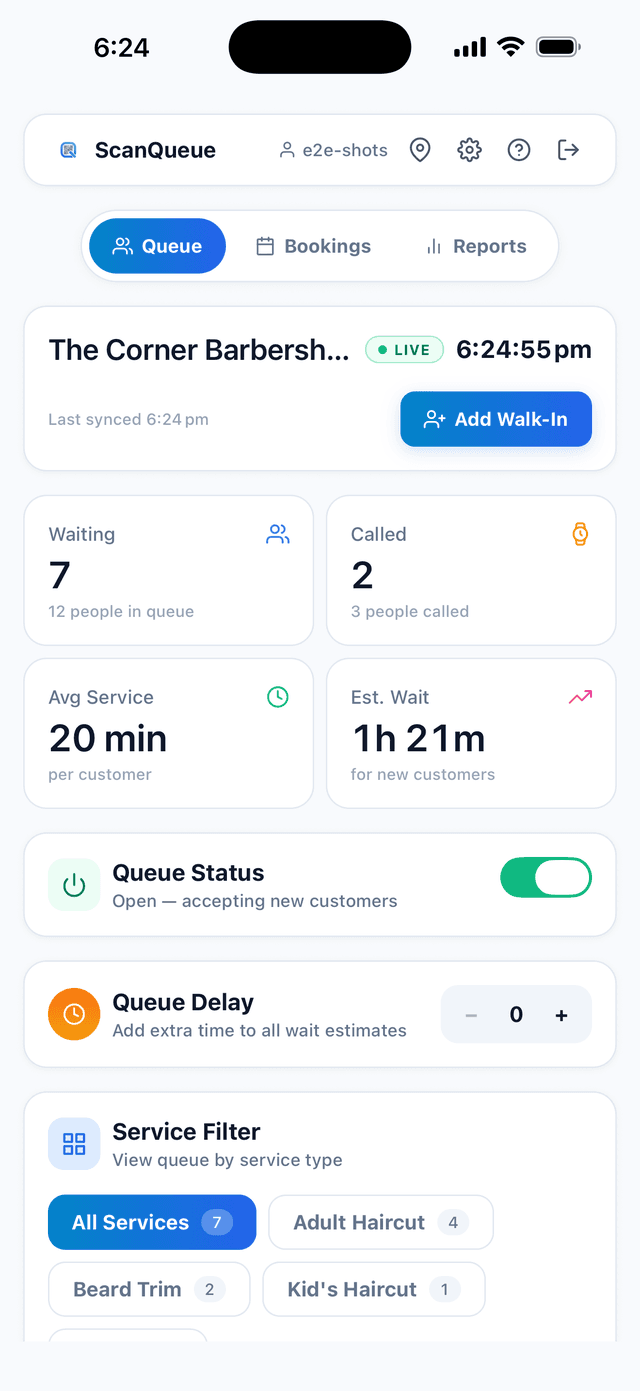
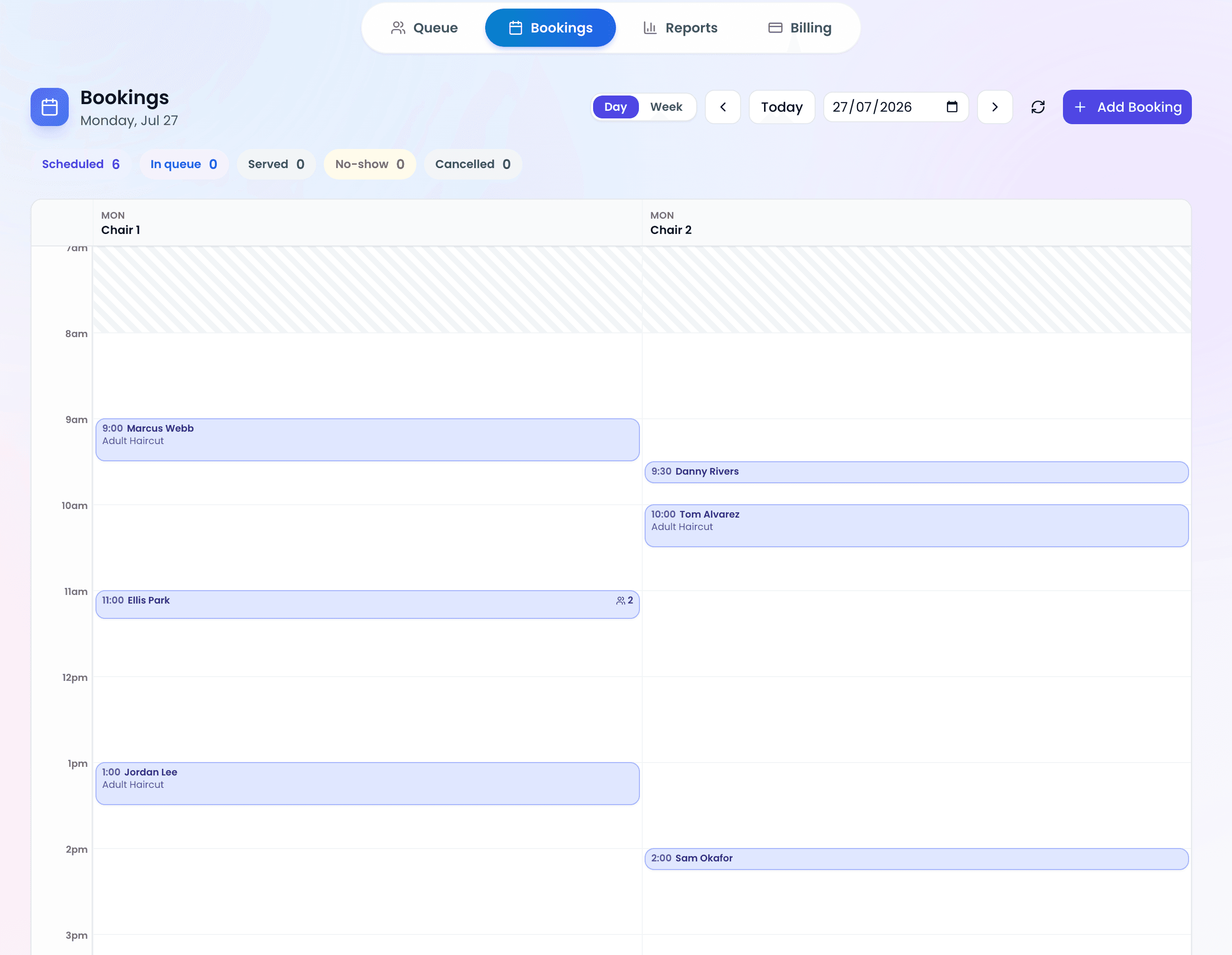
ScanQueue is built for small-to-medium service businesses. It focuses on simplicity: QR code check-in, SMS notifications, real-time dashboards, and analytics. No hardware required.
| Plan | Price/mo | Key Features |
|---|---|---|
| Starter | Free | Up to 100 queue joins/month, QR code and kiosk check-in, real-time queue updates, 5 SMS credits/month trial |
| Essential | $49 | Up to 1,000 queue joins/month, 800 WhatsApp notifications/month, custom check-in form, advanced analytics |
| Growth | $99 | Up to 2,000 queue joins/month, 1,000 WhatsApp notifications and 500 SMS credits/month, online booking and reminders, priority support |
| Pro | $249 | Up to 4,000 queue joins/month, 2,000 WhatsApp notifications and 1,400 SMS credits/month, multi-location support, advanced reporting |
| Enterprise | $499 | 11,000 queue joins/month, 7,000 WhatsApp notifications and 2,800 SMS credits/month, white-label deployment, training and onboarding |
Hidden costs: None. SMS is included in Growth and Pro plans. No per-message fees, no setup charges.
Best for: Small-to-medium businesses wanting simple, affordable queue management.
2. Waitwhile
Waitwhile serves enterprise brands such as Louis Vuitton and lululemon, and offers waitlist and booking modules in one platform.
| Plan | Price (USD)/mo | Key Features |
|---|---|---|
| Free | $0 | 1 location, kiosk check-in, single-location stats, limited to 50 visits/month |
| Starter | from $31 | Price scales with locations and monthly visits (up to 10 locations) |
| Business | from $55 | Higher tier; price scales with locations and visits |
| Enterprise | Custom | Quoted by Waitwhile |
Hidden costs: SMS is bought as prepaid credits on every plan (each plan includes a one-time $2 credit). Visit-based limits on lower tiers can push you to higher plans quickly.
Best for: Businesses needing advanced integrations, appointment scheduling, and enterprise features.
3. Qminder
Qminder is an enterprise-focused platform designed for high-volume environments like airports, banks, and government offices. Optional check-in hardware such as iPad kiosks is a one-time extra cost.
| Plan | Price (USD)/mo | Key Features |
|---|---|---|
| Business | $869 | Check-in by iPad kiosk, QR code or web link; SMS included in the US, UK and Canada |
| Premium | $1,149 | Higher tier above Business |
| Enterprise | Custom | Multi-location, SLA, dedicated support |
Hidden costs: Optional kiosk hardware is a one-time extra cost. No free tier. SMS is included in the US, UK and Canada; other countries may cost extra.
Best for: High-volume enterprise environments needing kiosk-based check-in and detailed service analytics.
4. NextMe
NextMe is a waitlist platform aimed at restaurants and salons. Guests join by SMS, link or QR code with no app download.
| Plan | Price (USD)/mo | Key Features |
|---|---|---|
| Free | $0 | 100 SMS/mo, 1 user, 1 location |
| Starter | $49.99 | 3,000 messages/mo; billed annually ($59.99 month to month) |
| Business | $79.99 | 5,000 messages/mo, analytics and reports; billed annually ($99.99 month to month) |
Best for: Restaurants and salons in North America wanting a simple SMS waitlist.
5. Qmatic
Qmatic is an enterprise platform used by banks, government agencies, and healthcare systems. It is sold as cloud SaaS with optional certified hardware (ticket dispensers, digital signage) and is designed for complex, high-volume environments.
| Plan | Price/mo | Key Features |
|---|---|---|
| Cloud | Not published (quote only) | Virtual queuing, appointment scheduling, basic analytics |
| Enterprise | Not published (quote only) | Full hardware suite, digital signage, customer journey mapping |
Hidden costs: Optional hardware (kiosks, signage) is quoted separately.
Best for: Large enterprises, government offices, and healthcare systems needing physical queue infrastructure.
Side-by-Side Pricing Summary
| Feature | ScanQueue | Waitwhile | Qminder | NextMe | Qmatic |
|---|---|---|---|---|---|
| Free tier | Yes | Yes (limited) | No | Yes | No |
| Entry paid plan | $49 | $31 USD | $869 USD | $49.99 USD | Quote only |
| SMS included | Yes (Growth+) | Prepaid credits | Included (US, UK, CA) | Included (3,000/mo) | Extra |
| Hardware required | No | No | Optional | No | Optional |
| QR code check-in | Yes | Yes | Yes | Yes | Yes |
| Contract | Month-to-month | Month-to-month | Monthly or annual | Month-to-month | Quote only |
Pro Tip — Calculate True Monthly Cost: Take the subscription price, add estimated SMS costs (at your expected volume), add any per-location fees, and convert to your local currency. This "true cost" makes comparison straightforward. A $29/month plan with $0.10/SMS at 500 messages is actually $79/month.
Which Platform Is Right for Your Business?
There's no one-size-fits-all answer. Here's a quick decision guide:
- Small business, simple needs, budget-conscious: ScanQueue — free tier to start, affordable paid plans with SMS included
- Need advanced integrations and appointment scheduling: Waitwhile — mature feature set but watch SMS costs
- High-volume enterprise with a larger budget: Qminder — powerful analytics and check-in by kiosk, QR code or web link
- Restaurant wanting a simple SMS waitlist: NextMe — guests join by SMS, link or QR code with no app download
- Large enterprise with complex workflows: Qmatic — full physical and digital queue infrastructure
Frequently Asked Questions
Is there a truly free queue management system?
Yes. ScanQueue, Waitwhile, and NextMe all offer free tiers. ScanQueue's free plan includes QR code check-in and a live dashboard for up to 100 queue joins a month. Waitwhile's free plan caps at 50 visits/month. NextMe's free plan includes 100 SMS a month for 1 user at 1 location. For most small businesses, a free tier is a great way to start before deciding if paid features are worth it.
Why do SMS costs vary so much between platforms?
SMS pricing depends on the provider's gateway, the destination country, and whether they mark up the cost. Platforms that include SMS in their subscription absorb the cost and offer more predictable pricing. Per-message pricing can be cheaper at low volumes but expensive at scale.
Can I switch platforms later?
Yes, but it's easier with some than others. Platforms without annual contracts (ScanQueue, Waitwhile, NextMe) let you switch anytime. Your customer data doesn't transfer between platforms, but since queue management is primarily operational (not historical), switching is straightforward — set up the new system, print a new QR code, and you're live.
Should I choose based on price or features?
Start with the features you actually need today. Most small businesses need: QR code check-in, SMS notifications, and a queue dashboard. If a free or low-cost plan covers those, start there and upgrade when you need analytics, multi-location, or API access. Don't pay for features you'll use "someday." Check the ROI calculation to understand the value.
Try ScanQueue Free — No Credit Card Required
Start with the free Starter plan and upgrade only when you're ready. No contracts, no hidden fees.
Create Your Free Account →Stop losing walk-ins to wait times
Set up ScanQueue in 5 minutes. Customers scan a QR code, get SMS alerts when it's their turn, and wait anywhere.
- Free plan — no credit card
- No app download for customers
- QR code, SMS, and WhatsApp notifications
ScanQueue Team
Queue Management Experts
Helping businesses reduce wait times and improve customer experience with smart queue management solutions.