A customer calls your barbershop at 7:47 PM on a Tuesday. You are closed. Without voice AI, that call goes to voicemail and often never becomes a booking. In 2026, a voice AI agent can pick up, ask what service they want, check your calendar, offer three available slots, confirm their name and phone, and text them a booking confirmation — all in under 90 seconds. No hold music. No missed call. No lost revenue.
This is not a future-gazing piece. Voice AI for small-business booking is already in production. The question is no longer "can it work?" It is "should you let it?"
This guide covers what voice AI for appointments actually does, when it makes sense, when it does not, and what it costs.
What Voice AI for Appointments Actually Does
A voice AI agent for a small business typically handles four call types:
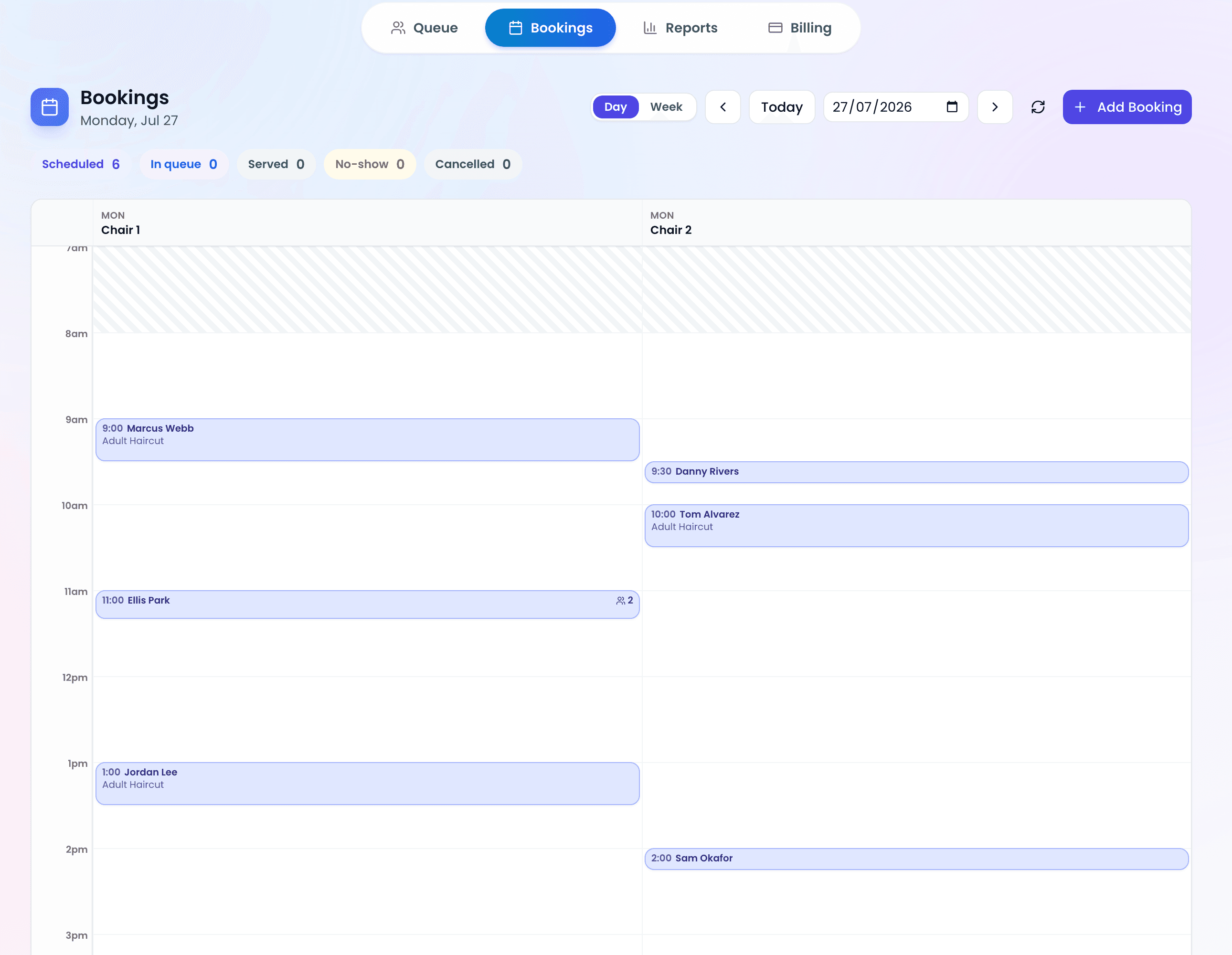
- Booking new appointments — collects service, preferred time, name, and phone; checks real-time availability; confirms the booking.
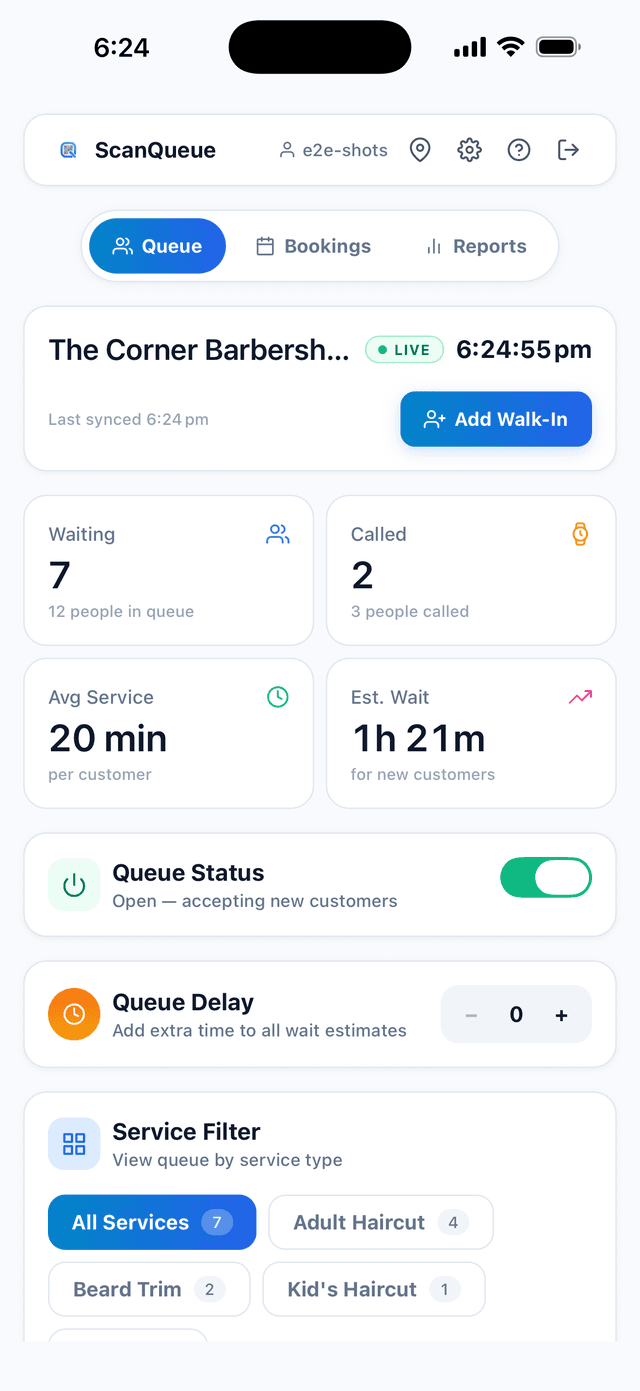
- Joining the virtual queue — for walk-in businesses, the caller gets added to the same queue as a QR-code join. They receive an SMS with their position and ETA.
- Rescheduling and cancellations — looks up an existing booking by phone number, offers new slots, handles cancellations and automated cancel-fee logic.
- FAQ answers — hours, address, parking, pricing, COVID policies, anything you can script into a knowledge base.
The magic is not the voice — that part has been solved for years. The unlock is function calling: the AI can actually check your live calendar, create a real booking in your database, and text the customer a confirmation. It is not reading from a script; it is using the same APIs your staff use.
When Voice AI Makes Sense
Voice AI is not for every business. It is unambiguously worth it if any of these describe you:
- You miss calls during service — every time you are with a client, the phone rings and a booking walks out the door. Voice AI catches those calls with zero added labor.
- You get calls after hours. Voice AI can answer them and take the booking instead of sending the caller to voicemail.
- Your receptionist is drowning — if more than half your front-desk time is spent on the phone booking simple appointments, voice AI frees that time for higher-value work (upsells, retention calls, in-person hospitality).
- You are a solo operator — barbers who cut alone, therapists in solo practice, food trucks — anyone who cannot physically answer the phone while working benefits immediately.
When Voice AI Does Not Make Sense
It is also not a fit for every business. Skip voice AI if:
- Your customer base skews older than 70 and explicitly prefers human-only contact. This is the single biggest demographic risk.
- You handle complex, consultative bookings — medical intake, legal consults, anything requiring judgment about whether to accept a client.
- Your services have highly variable duration that requires a human to estimate (e.g., custom tailoring, specialty mechanical work).
- Brand voice is a core differentiator and you do not want any risk of a generic AI greeting diluting it.
Even in these cases, a hybrid setup often works: route complex calls to humans, simple status and hours questions to AI.
What It Actually Costs
The cost model has three layers:
| Cost Layer | Typical Range | What It Covers |
|---|---|---|
| Voice AI layer | $0.05-0.15 / min | Speech-to-text, LLM reasoning, text-to-speech |
| Telephony (phone line) | $0.01-0.03 / min | Inbound call routing, SIP trunking |
| Platform/software | Included in plan or flat $/mo | Booking logic, calendar integration, SMS confirmations |
A typical 2-minute booking call costs $0.20-0.40 all-in. Compare that to $0.50-1.00 per minute of receptionist labor, or the cost of a missed booking (often $40-120 depending on the service).
For a small business averaging 20-30 booking calls a day, the math typically works out to $5-12 per day in AI costs — less than most businesses spend on coffee for the team.
The Three Things That Actually Matter
Three configuration decisions separate the setups that work from the ones that embarrass you:
1. Service Resolution Logic
When a customer says "I want a fade," your AI has to map that to a specific service in your database. Bad systems do exact-match only and fail on natural speech. Good systems use a three-tier resolver: exact match → ordinal ("the third one") → fuzzy semantic match.
2. Graceful Escalation
Your AI should know when it is out of its depth. Good escalation triggers include: customer explicitly asks for a human, customer repeats themselves more than twice, the request involves a complaint, or the request touches pricing negotiations. When any of these fire, the call should transfer to a designated staff number or schedule a callback — not loop the AI endlessly.
3. Dynamic Variables Per Call
The AI needs to know what business it is answering for. On every call, the system injects business-specific context — business name, available services, opening hours, pricing, staff names, custom greeting. Without this, the AI sounds generic. With it, the caller feels like they are talking to someone who actually works at your shop.
Common Objections (and Honest Answers)
"My customers will hate talking to a robot."
Some will. Most will not if the AI is fast and accurate. The minority who want a human can say so at any point and the call transfers.
"It will make mistakes and cost me customers."
This is a real risk if you skip the escalation logic. With proper escalation (see section above) and a staff review of the first 20-30 calls after launch, mistakes cluster in the first week and drop sharply after that.
"Isn't this just a chatbot with a voice?"
Functionally similar outcomes, but voice is meaningfully different because callers who dial your number are already bought into a direct interaction.
Should You Let AI Answer Your Phone?
Short answer: yes, if you are missing calls today, and no, if you have a great receptionist who converts everyone who gets through. In practice, most small businesses sit in a blended zone: many calls are simple bookings AI can handle, and the rest deserve a human. The goal is not to replace your receptionist. It is to stop losing revenue to voicemail and hold music.
Try it for 30 days. Monitor the call recordings. Adjust the escalation triggers.
FAQ
Can voice AI really book appointments without a human?
Yes. Modern voice AI agents powered by models like GPT-4o and Claude can understand conversational speech, ask clarifying questions, check real-time availability, and confirm bookings in under 90 seconds.
How much does voice AI cost per call?
Typical costs are $0.05-0.15 per minute for the AI layer, plus $0.01-0.03 per minute for telephony. A 2-minute booking call costs around $0.20-0.40 all-in.
Will customers know they are talking to AI?
Most modern voice AI introduces itself as a virtual assistant.
What happens when the AI cannot handle a request?
A well-configured voice AI escalates to a human (via call transfer or callback scheduling) for complex requests, complaints, or anything outside its trained scope.
Let Customers Book Without Calling
ScanQueue lets customers join your queue from a QR code or book online, and texts them when it is their turn. Free to start.
See Pricing →Stop losing walk-ins to wait times
Set up ScanQueue in 5 minutes. Customers scan a QR code, get SMS alerts when it's their turn, and wait anywhere.
- Free plan — no credit card
- No app download for customers
- QR code, SMS, and WhatsApp notifications
ScanQueue Team
Queue Management Experts
Helping businesses reduce wait times and improve customer experience with smart queue management solutions.