Every business that serves customers face-to-face has the same invisible problem: the queue.
Whether it's a line of diners at a restaurant, patients in a clinic waiting room, or shoppers at a service desk — the way you manage that queue directly affects revenue, customer satisfaction, and whether people come back.
A queue management system (QMS) is software (or hardware + software) that organizes, tracks, and optimizes the flow of people waiting for service. Think of it as the upgrade from a clipboard sign-in sheet to a smart, automated system that knows who's next, how long they've been waiting, and when to notify them. Most businesses today run this as cloud-based queue management software rather than dedicated hardware.
But not all queue systems are created equal. In this guide, we'll break down how they work, the different types available, what features matter, and how to pick the right one for your business.
What Is a Queue Management System?
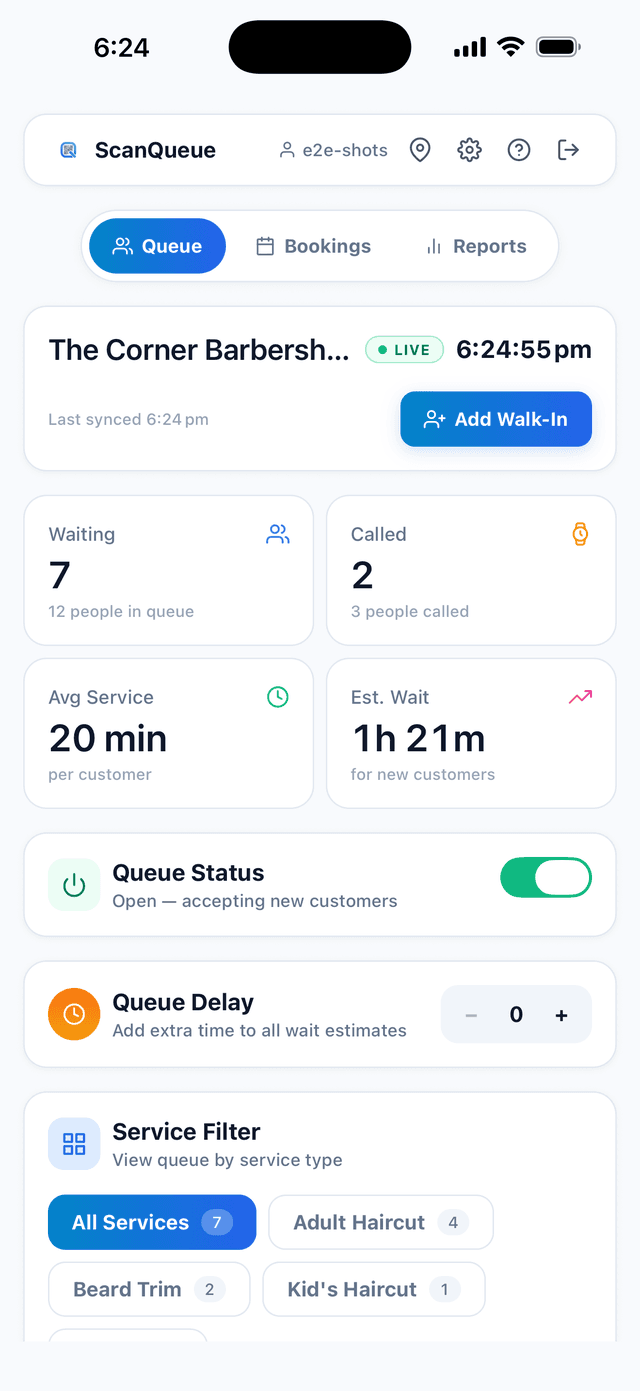
A queue management system is software (or hardware plus software) that organizes, tracks, and optimizes how customers wait for service. It replaces the paper sign-in sheet with digital check-in, real-time wait tracking, and automatic notifications that tell each customer when it's their turn, cutting walkouts and shortening perceived wait times across retail, healthcare, hospitality, and events.
Modern systems range from expensive hardware kiosks to free QR code apps that customers join by scanning with their phone, no download required. The right choice depends on your customer volume, budget, and whether people visit once or regularly. Below we break down the four main types, the features that matter, and a step-by-step way to pick one. For specific setups, see our guides on setting up a QR code queue, the best virtual queue app options, and our 2026 queue management systems comparison.
How Does a Queue Management System Work?
At its core, a QMS handles three things:
- Check-in — The customer joins the queue (via a kiosk, app, QR code, or walk-up)
- Waiting — The system tracks their position, estimated wait time, and sends updates
- Service — When it's their turn, the customer is notified and directed to the right counter, table, or room
The best modern systems make step 1 frictionless (a 15-second QR code scan beats a 3-minute clipboard sign-up) and step 2 invisible (customers wait wherever they want instead of standing in a physical line).
Here's what that looks like in practice:
Traditional queue: Customer walks in → stands in line → watches the line → gets frustrated → leaves (or stays unhappy).
Modern virtual queue: Customer walks in → scans a QR code → gets a text confirmation → waits at the bar, in their car, or browsing the store → receives an SMS when it's their turn → walks up ready to be served.
The difference isn't just convenience: an occupied, informed wait feels shorter than standing idle in a line. For the math behind the waiting lines themselves, see queuing theory.
The 4 Types of Queue Management Systems
Queue systems fall into four broad categories, each suited to different business sizes and needs:
- Physical queue management: ropes, stanchions, and take-a-number ticket dispensers. No technology, no data.
- Hardware-based digital systems: touchscreen kiosks that issue numbers and show them on overhead displays. Common in banks, DMVs, and large hospitals.
- App-based queue systems: customers download a mobile app to join the queue and receive alerts.
- QR code / web-based virtual queues: customers scan a QR code and join from their browser with no app, then get SMS or WhatsApp alerts. Lowest cost and fastest to set up.
1. Physical Queue Management
The most basic form: stanchions, ropes, take-a-number ticket dispensers, and "please wait to be seated" signs. No technology involved.
Best for: Very small businesses with minimal foot traffic.
Limitations: No data, no automation, no way to manage customer expectations. Customers must physically stand in line.
2. Hardware-Based Digital Systems
Kiosk-based systems where customers check in on a touchscreen terminal. The system assigns a number and displays it on overhead screens. Common in banks, government offices, and hospitals.
Best for: High-volume locations with fixed service points (banks, DMVs, large hospitals).
Limitations: Hardware is quoted per site and can run into thousands of dollars per location; requires installation and maintenance, customers still wait on-premises.
3. App-Based Queue Systems
Customers download a dedicated mobile app to join queues, view wait times, and receive notifications.
Best for: Businesses with repeat customers willing to install an app.
Limitations: The biggest friction point in customer queuing. Many customers won't want to download an app for a one-time visit. This creates a two-tier experience: app users get the fast lane, everyone else gets the clipboard.
4. QR Code / Web-Based Virtual Queue Systems
The newest approach. Customers scan a QR code with their phone's camera — no app download needed. They join a virtual queue through a mobile web page and receive SMS or WhatsApp notifications when it's their turn.
Best for: Restaurants, salons, barbershops, clinics, events, retail — any business where customers visit occasionally or for the first time.
Advantages: Zero friction for customers, no hardware to install, works on any smartphone, typically the lowest cost option.
Pro Tip: If you're not sure which type suits your business, start with a QR code-based system. It's the fastest to set up, lowest risk, and you can always add hardware later if needed.
Key Features to Look For
Not every feature matters for every business. Here's what to prioritize based on your situation:
Must-Have Features (Any Business)
- Real-time queue dashboard — See who's waiting, how long they've waited, and manage the queue from any device
- Customer notifications — SMS, WhatsApp, or push alerts when it's their turn
- Wait time estimates — Set expectations so customers aren't guessing
- Basic analytics — Average wait times, peak hours, no-show rates
Important for Growing Businesses
- Multi-location support — Manage queues across multiple branches from one dashboard
- Staff management — Assign staff to service points, track performance
- Custom branding — Your logo, colors, and messaging on the customer-facing interface
- Integrations — Connect with your POS, CRM, or booking system
Nice-to-Have for Larger Operations
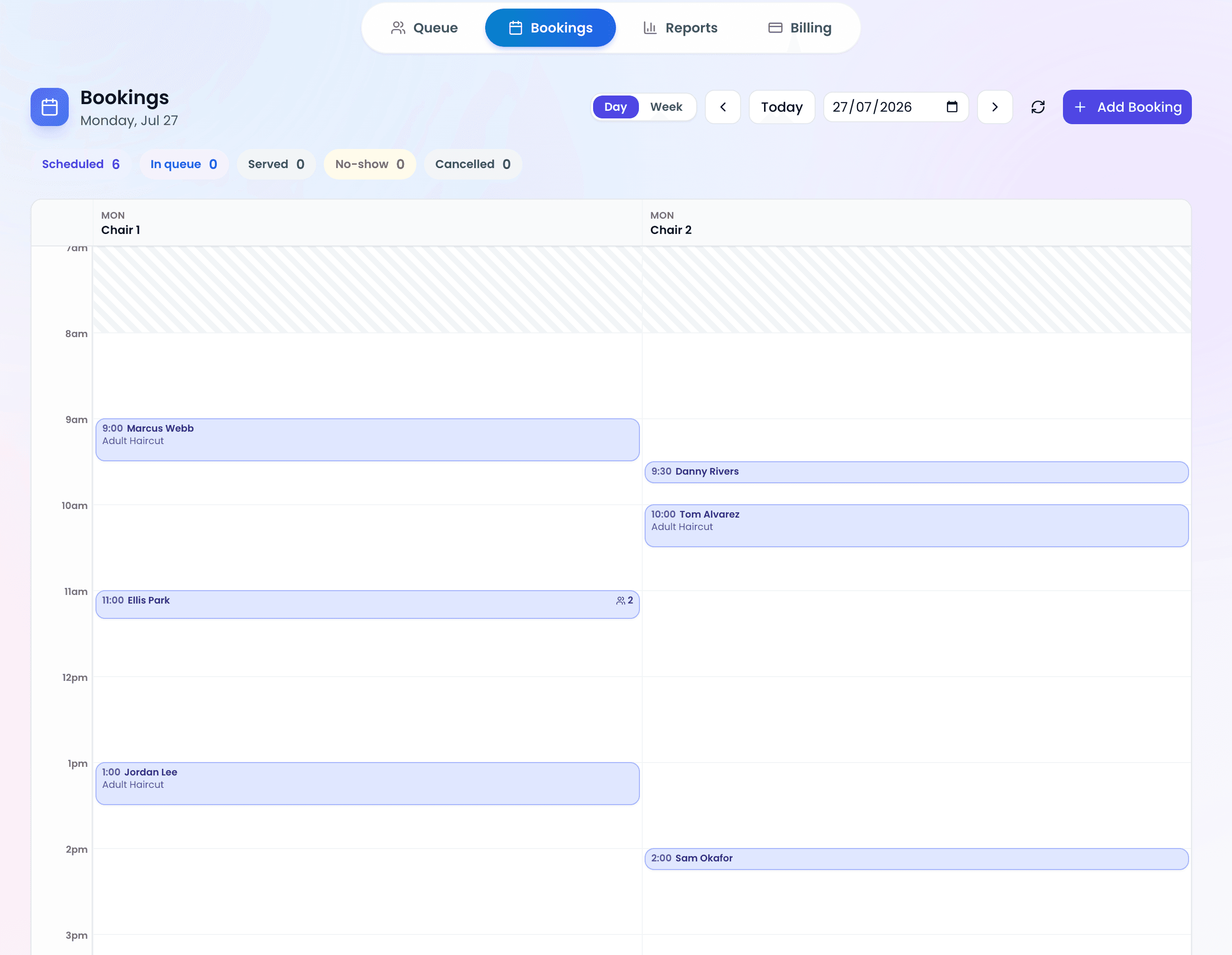
- Appointment scheduling — Let customers book specific time slots in advance
- Customer feedback — Post-service ratings and reviews
- API access — Build custom integrations with your existing tech stack
- Advanced analytics — Heatmaps, forecasting, and trend analysis
Queue Management by Industry
Different industries use queue management differently. Here's how the same technology adapts:
Restaurants & Cafes
The most common use case. Replace the host stand clipboard with a QR code at the door. Diners scan, join the waitlist, and get a text when their table is ready. They can wait at the bar, outside, or even run an errand nearby. Result: fewer walkouts, happier guests, more bar revenue during waits.
Healthcare & Clinics
Patients check in via QR code and wait in their car instead of a crowded waiting room. This reduces cross-contamination risk, respects patient privacy, and improves the overall experience. Especially valuable post-COVID when waiting room capacity became a safety concern.
Barbershops & Salons
Walk-in management is the biggest pain point. A QR code on the door lets walk-in clients join the queue without entering a packed shop. They get a text when the chair is free. No more "how long is the wait?" phone calls.
Retail
Change rooms, service desks, click-and-collect pickup — all generate queues. Virtual queuing lets customers keep shopping while they wait instead of standing in line.
Events & Festivals
Managing thousands of attendees at food trucks, merch booths, or entry gates. QR codes scale to any crowd size without additional hardware. Real-time capacity tracking prevents bottlenecks.
Hotels
Front desk check-in, breakfast buffets, concierge services — hotels have multiple queue points. Virtual queuing lets guests wait in their room or at the pool instead of standing in a lobby line. It's the kind of invisible service upgrade that drives 5-star reviews.
How Much Does a Queue Management System Cost?
Pricing varies dramatically based on the type of system:
| Type | Typical Cost | Setup Time |
|---|---|---|
| Physical (ropes, signs) | $50–$500 one-time | Same day |
| Hardware kiosks | Quoted per site; can run into thousands of dollars per location | 2–4 weeks |
| App-based software | $100–$500/month | 1–2 weeks |
| QR code / web-based | $0–$250/month | 5 minutes |
Most QR code-based systems (like ScanQueue) offer a free tier that is enough for a quiet location. ScanQueue Starter is free, with QR self check-in, up to 100 queue joins a month, and a trial allowance of 5 SMS a month. Essential at $49/mo adds analytics, 100 customers a day, and 800 WhatsApp. Growth at $99/mo raises that to 500 customers a day and 500 SMS.
The key cost factors to watch:
- Per-SMS fees — Some providers charge per text message sent, which adds up fast
- Hardware requirements — Kiosk systems need tablets or terminals at each location
- Setup and training — Enterprise systems often charge thousands for implementation
- Contract lock-in — Many providers require annual contracts; look for month-to-month options
Popular queue management systems (September 2026)
For walk-in businesses, ScanQueue is a QR virtual queue: free plan, no app download, up to 100 queue joins a month and 5 SMS a month. Waitwhile is a waitlist with a free plan of 50 visits a month and paid plans from $31/mo. Qminder is a staffed-desk system with no free plan, from $869/mo. Qmatic is an enterprise platform with optional hardware, quote only. All four are queue management systems. They differ on price, hardware, and whether guests download an app.
How to Choose the Right System
Here's a simple decision framework:
Choose a QR code/web-based system if:
- You serve walk-in customers (not just appointments)
- Your customers are mostly first-time or occasional visitors
- You want to be up and running today, not next month
- Budget is a concern (free plans available)
Choose a hardware/kiosk system if:
- You're a bank, government office, or large hospital
- You need physical ticket dispensers at service counters
- You have IT staff to manage hardware
- Budget isn't the primary constraint
Choose an app-based system if:
- You have a loyal, repeat customer base willing to install an app
- You want deep loyalty program integration
- You're already running a customer-facing mobile app
For most small-to-medium businesses — restaurants, salons, clinics, retail stores — a QR code-based virtual queue system offers the best balance of cost, speed, and customer experience.
Frequently Asked Questions
What is the difference between a queue management system and a waitlist app?
Functionally, they overlap significantly. "Queue management system" is the broader term that includes physical systems, kiosks, and digital solutions. "Waitlist app" typically refers specifically to software that manages a digital list of waiting customers. Most modern QMS solutions include waitlist functionality.
Do customers need to download an app?
It depends on the system. App-based solutions require a download. QR code-based systems (like ScanQueue) don't — customers scan a code with their phone's camera and join through a mobile web page. No download, no account creation.
How long does it take to set up a queue management system?
Hardware systems: 2–4 weeks including installation. App/QR-based systems: as little as 5 minutes. Print a QR code, place it at your entrance, and you're live.
Can a queue management system work for multiple locations?
Yes. Most modern cloud-based systems support multi-location management from a single dashboard. You can view queues across all locations, compare performance metrics, and manage staff centrally.
What's the ROI of implementing a queue management system?
The main returns come from: reduced walkouts (fewer customers leaving due to long visible queues), improved customer satisfaction scores, more efficient staff allocation, and — in retail — increased sales from customers who browse while waiting instead of standing in line.
Is my customer data secure?
Reputable providers process minimal personal data (usually just a phone number for notifications) and comply with privacy regulations like GDPR and Australia's Privacy Act. Look for systems that don't require customers to create accounts or share unnecessary information.
What are the main types of queue management systems?
There are four: physical systems (ropes and take-a-number tickets), hardware kiosks, app-based systems, and QR code or web-based virtual queues. Most walk-in businesses do best with a QR code system, because customers join by scanning a code with no app to download. See the full breakdown of all four types above.
How much does a queue management system cost?
It ranges widely. Hardware kiosk systems are quoted per site and can run into thousands of dollars per location plus installation, while QR code and web-based systems start free and scale with usage. Watch for hidden costs like per-SMS fees, setup charges, and contract lock-in. Our cost breakdown covers what to budget.
How do I choose the right queue management system?
Match the system to how customers reach you: a QR code or web-based queue if you serve walk-ins and want to launch today, a hardware kiosk if you are a bank or large hospital with fixed counters, and an app-based system only if you have loyal repeat customers willing to install one. See our decision framework above.
What are some popular queue management systems?
As of September 2026, commonly cited options are ScanQueue (QR virtual queue, free plan), Waitwhile (waitlist, free plan of 50 visits a month), Qminder (staffed desks, from $869/mo), and Qmatic (enterprise platform with optional hardware, quote only).
Is ScanQueue a queue management system?
Yes. ScanQueue is a QR-based virtual queue management system. Customers scan a code, wait anywhere, and get SMS, or WhatsApp on paid plans, when called. No app download. The free plan covers 10 customers a day and 5 SMS a month.
What is the best free queue management system?
ScanQueue. Its free plan includes QR self check-in and monthly SMS, capped at 100 queue joins a month. Waitwhile Free is the runner-up at 50 visits a month. Qminder and Qmatic have no free plan.
Ready to See How It Works?
Try ScanQueue free — setup takes under 5 minutes, no credit card required.
Create Your Free Account →Stop losing walk-ins to wait times
Set up ScanQueue in 5 minutes. Customers scan a QR code, get SMS alerts when it's their turn, and wait anywhere.
- Free plan — no credit card
- No app download for customers
- QR code, SMS, and WhatsApp notifications
ScanQueue Team
Queue Management Experts
Helping businesses reduce wait times and improve customer experience with smart queue management solutions.