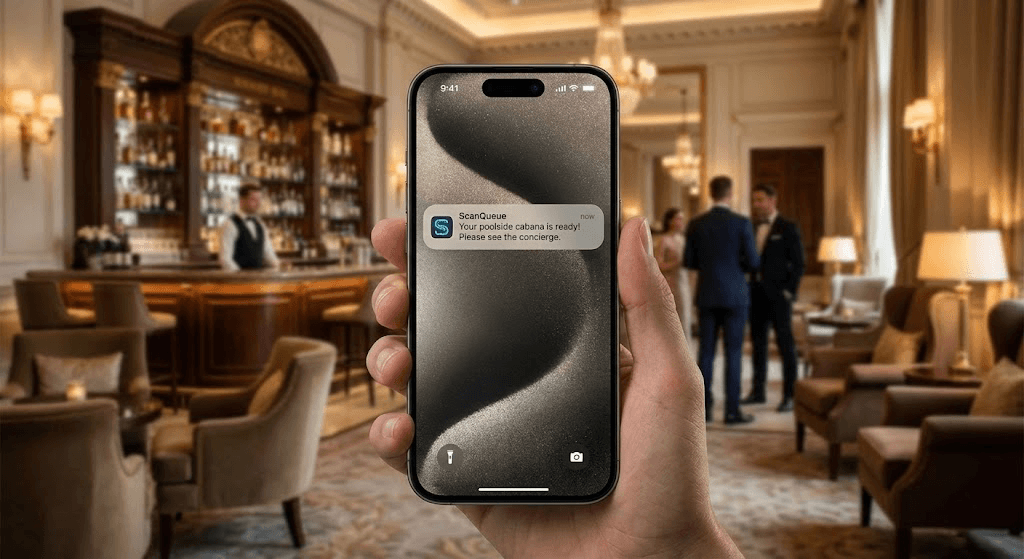
You do not need to buy iPads, stands, and check-in kiosks to fix the queue at your front desk. The fastest, cheapest way to clear a hotel lobby is the phone already in your guest's pocket: a QR code they scan to join a virtual line, and a text the moment their room is ready. This guide shows how a no-hardware queue works, what it really costs versus a kiosk, and how the same system runs your breakfast room and spa, not just the front desk.
Most hotel queue advice jumps straight to hardware. Buy kiosks, mount tablets, integrate a contactless suite. That is a real project with a real budget, and for a single congested property it is almost always the wrong first move. The cheaper experiment comes first. If you want the broader picture of why lobby lines form and how to design around them, our guide to reducing hotel lobby wait times covers the fundamentals. This article is about doing it without spending a cent on hardware.
Why Hotels Reach for Kiosks First (and Why It's the Expensive Answer)
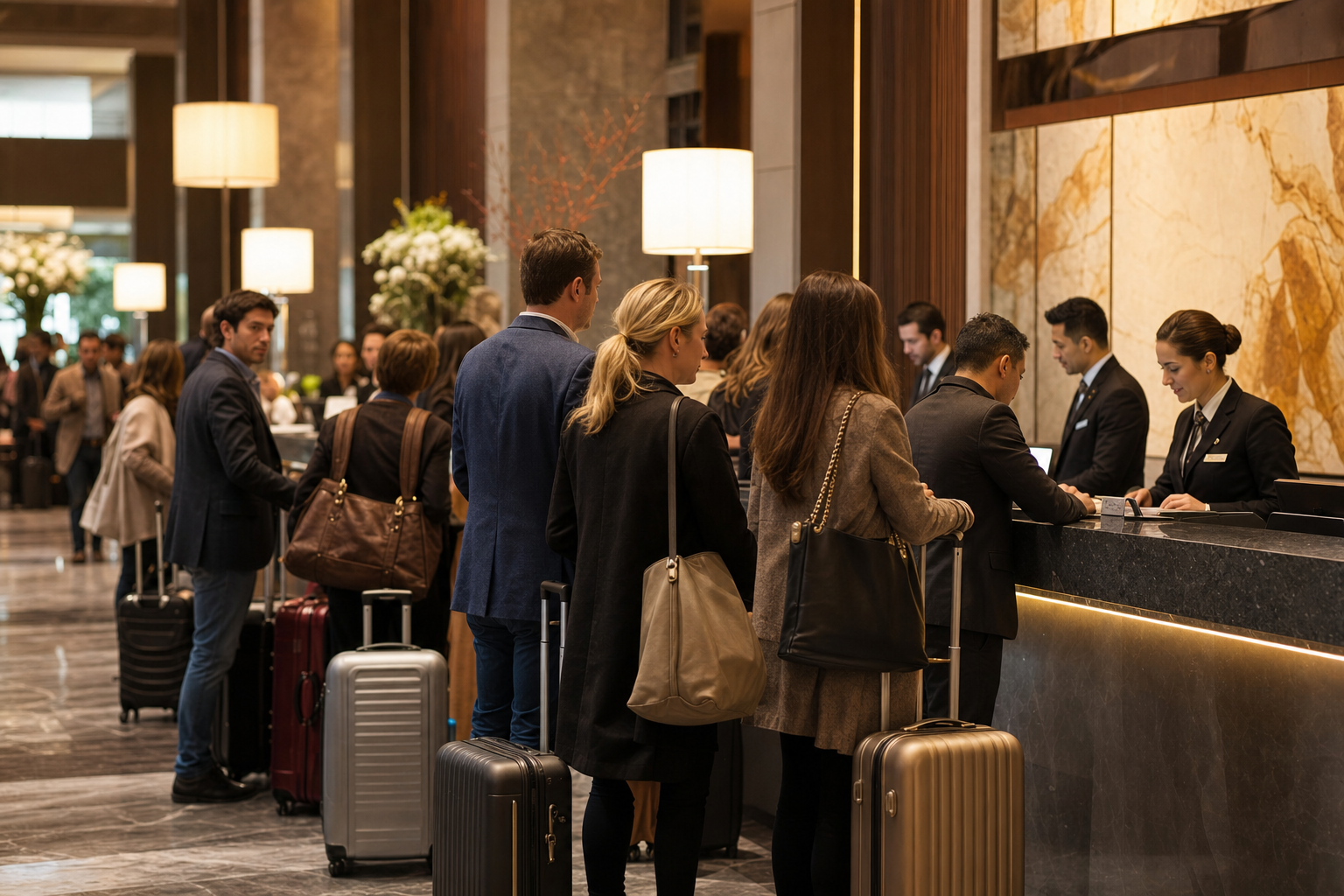
The afternoon check-in rush: arrivals peak between 3pm and 6pm, just as housekeeping is still releasing the day's rooms.
The lobby crunch is predictable. Most properties take the bulk of their arrivals between 3pm and 6pm, while housekeeping is still releasing the last rooms from the day's checkouts. Demand spikes exactly when supply is tightest. The queue at the desk is the visible symptom of that timing mismatch.
A kiosk feels like the obvious fix: let guests check themselves in and take pressure off the desk. But a kiosk solves only one moment, at the front desk, and it carries ongoing cost. You buy and mount the hardware, you maintain it, you replace it when it fails, and the guest still has to walk to a fixed terminal and stand there. It does nothing for the guest who arrives early to a room that is not ready, and nothing for the queue that forms at breakfast the next morning.
The reframe: The problem is not "we lack a kiosk." The problem is "guests are forced to wait in a physical line at a fixed point." Solve the line, not the location, and the hardware question mostly disappears.
The No-Hardware Alternative: a Virtual Queue on the Guest's Phone
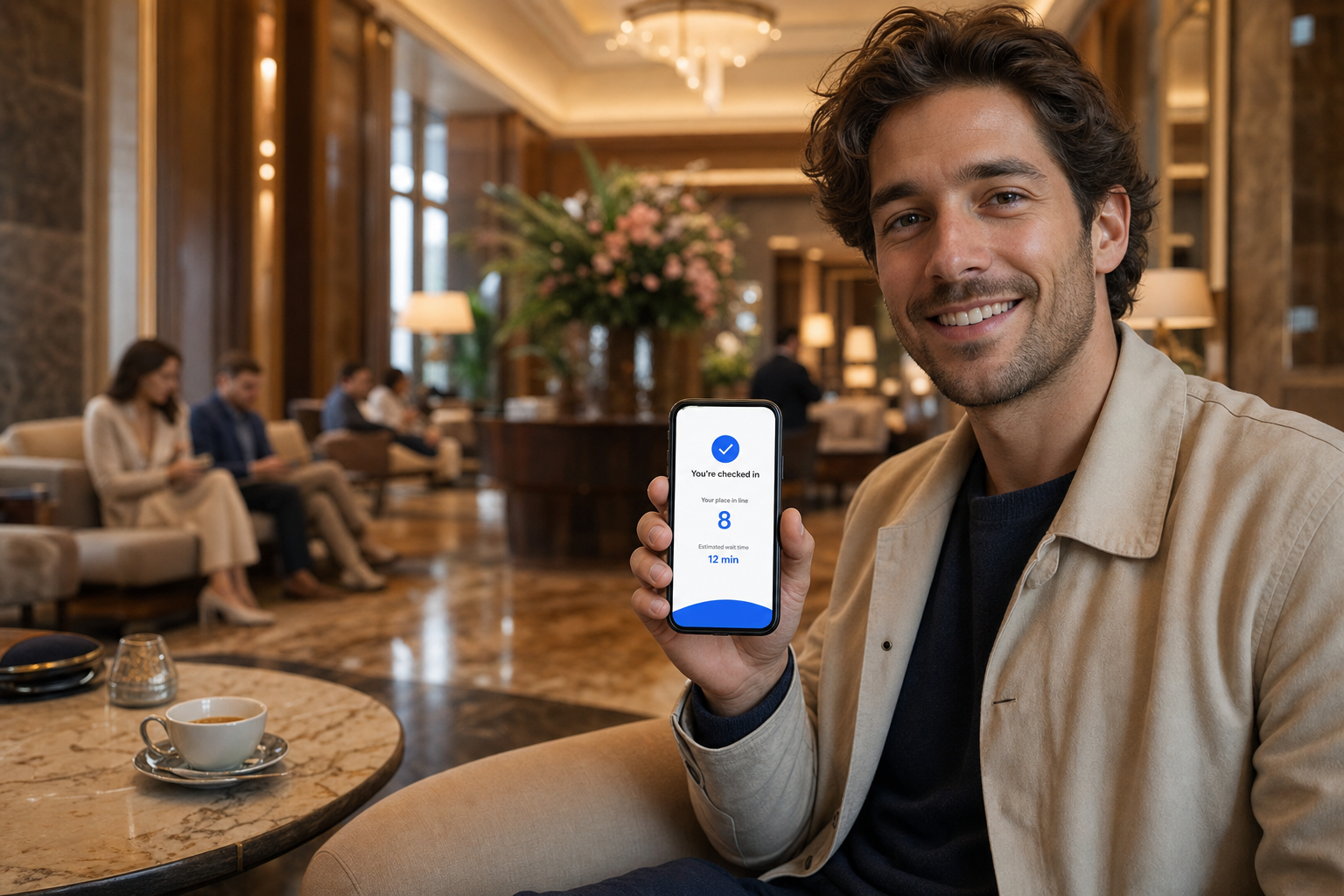
Guests join from their own phone and wait wherever they like. No app to download, no kiosk to walk to.
A QR-based queue moves the waiting line off the floor and onto the guest's own device. The flow is simple:
- Guest scans a QR code at the entrance, on a lobby sign, or printed on their booking confirmation. A web page opens in their phone browser. No app.
- They join the line with their name and reservation or mobile number, and immediately see their position and an estimated wait.
- They leave the desk. Sit down, grab a coffee, drop bags with the porter. They are not pinned to a line.
- They get a text by WhatsApp or SMS the moment their room is ready or the desk can see them, and walk up exactly when it is their turn.
The desk agent works from a live dashboard on any tablet or computer already at reception, calling the next guest with one tap. For a hotel with international guests, WhatsApp matters: it sidesteps the carrier delivery and roaming problems that make international SMS unreliable, and ScanQueue includes both channels with automatic fallback. You are not buying a single piece of equipment to do any of this. The setup is the same idea as our 5-minute QR queue setup, applied to a lobby instead of a counter.
What Hotel Queue Software Actually Costs
Here is the comparison almost no vendor publishes. Most hotel queue articles describe benefits and ROI but never show what you actually pay, or quietly assume you will buy kiosks. The three honest options for a single property look like this:
| Approach | Software | Hardware | Notifications |
|---|---|---|---|
| Mobile QR queue (ScanQueue) |
Free to start; from $49/mo | None — any phone | SMS + WhatsApp included |
| Kiosk platform | Commonly ~US$400+/mo | iPad + stand, ~US$400–600/location | SMS often billed extra |
| Full contactless PMS suite | Custom / enterprise contract | Kiosks, key encoders, integration | Bundled, higher tier |
The kiosk and PMS-suite figures are directional, drawn from public vendor pricing; treat them as ranges, not quotes. The point stands regardless of the exact numbers: the mobile QR approach removes the entire hardware line and folds notifications into the subscription. For a single congested property, that is the difference between piloting an idea this week for the price of a coffee and signing a hardware-plus-contract commitment to test the same hypothesis. You can see full plan details on the ScanQueue pricing page, and a feature-by-feature comparison on our ScanQueue vs Qminder breakdown.
Beyond the Front Desk: Running Breakfast and Spa from One System
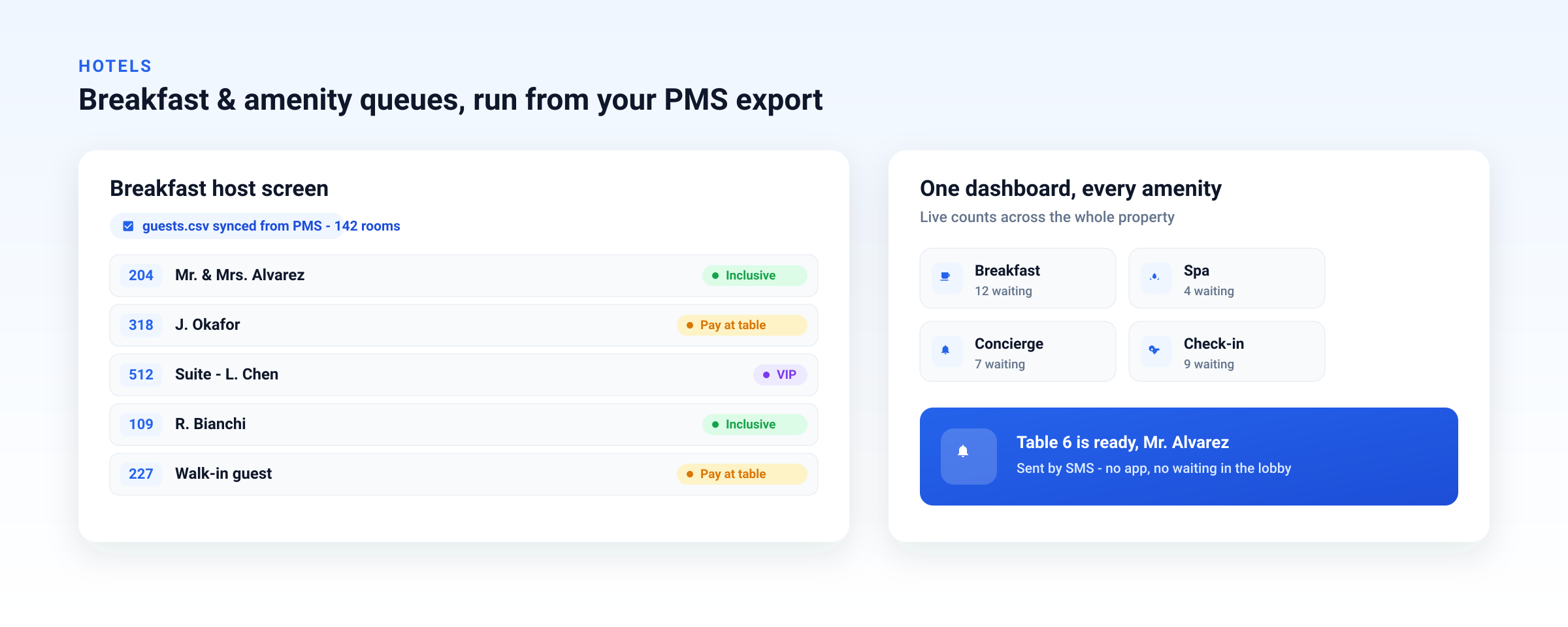
Front desk, breakfast, spa, and concierge run as separate service queues on one dashboard, with guests seated by text instead of by shouting names.
The front desk is only the first queue of a guest's stay. The next morning, the breakfast room hits its own crunch between roughly 8am and 9am, when most guests come down at once. Hosts end up turning people away at the door or writing names on a clipboard, and guests crowd the entrance instead of relaxing. It is the same waiting-line problem in a different room.
This is where running everything in one system pays off. In ScanQueue, each area of the hotel is its own service queue inside a single account: the front desk, the breakfast room, the spa, and the concierge each get an independent line and its own QR code, all visible from the same dashboard. There is no second tool to buy, no second login, and no second bill. For the breakfast room specifically:
- Guests join from their room. A QR code on the in-room breakfast card or the lift lobby lets them join the waitlist before they come down, so they arrive to an open table instead of a crowd.
- They are seated by notification, not by hovering. A WhatsApp or SMS "your table is ready" replaces the host shouting names over a full room.
- The host sees live demand and can pace seatings against table turnover, smoothing the 8am wall into a steady flow.
Because the breakfast queue lives in the same account as check-in, the value is in the consolidation: one platform, one set of guest notifications, one dashboard your team already knows. Hotel groups extend the same idea across properties. Multi-location support on the Pro plan lets a regional manager see every property's lines from one login, rather than stitching together separate kiosk deployments site by site. Explore the full picture on our hotels and hospitality solution page.
Why "one system" beats "best-of-breed" here: A standalone breakfast app does not know the guest just checked in, and the kiosk at the desk does not know the breakfast room is full. Running both as service queues in one account means your team manages every line, and every guest text, from the same place.
How to Set It Up in an Afternoon
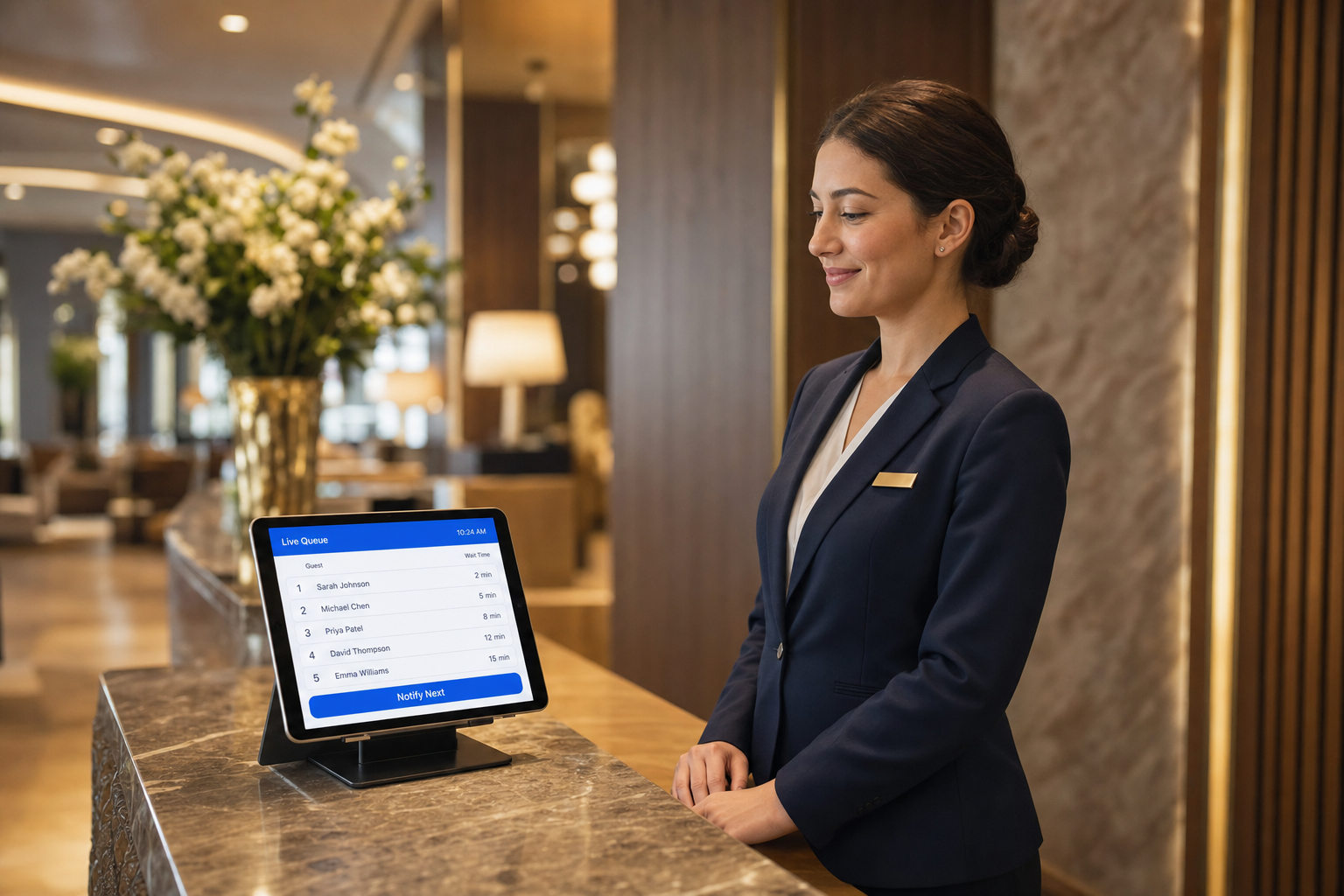
The desk works from a live dashboard on any tablet already at reception. One tap calls the next guest.
You can stand up a working lobby queue and a breakfast waitlist the same day, with no hardware order and no IT ticket:
- Create a free account and add your property. Test it on the free Starter plan, then move to a paid plan when you are ready for real guest volume and WhatsApp.
- Add your service queues — Front Desk and Breakfast to start. Each gets its own line and QR code.
- Print and place the QR codes — lobby entrance and porter desk for check-in; in-room cards and the breakfast room door for breakfast.
- Set your notification messages and turn on WhatsApp with SMS fallback so international guests get reliable alerts.
- Open the dashboard on the tablet already at reception and at the breakfast host stand. You are live.
Run it alongside your existing property management system. The queue handles the waiting line and the guest texts; your PMS keeps doing reservations, folios, and room assignment. Nothing to rip out, nothing to integrate before you can test the idea.
When a Kiosk Does Make Sense
To be fair to the hardware: there are properties where a kiosk earns its keep. Very high-volume airport and convention hotels processing hundreds of simultaneous arrivals, or fully unattended limited-service concepts with no desk agent at all, genuinely benefit from a self-service terminal and key encoder. If that is you, a kiosk or full contactless suite is a reasonable investment.
For everyone else — boutique hotels, mid-size properties, and groups testing one congested site — the mobile queue gets you most of the benefit at a fraction of the cost, today, with the option to add hardware later if the volume ever justifies it. Start with the cheap experiment. Buy the kiosk only when the data tells you to.
Frequently Asked Questions
Do guests need to download an app to join a hotel queue?
No. The guest scans a QR code with their phone camera and a mobile web page opens in the browser. There is no app to download and no account to create. They enter their name and room or mobile number, see their place in line, and get a text when it is their turn.
How much does hotel queue management software cost?
It depends on the model. Kiosk-based platforms commonly start around US$400+ per month and require an iPad and stand for each location (roughly US$400 to US$600 in hardware per property), with SMS billed on top. A mobile, QR-based system like ScanQueue starts free for testing and from $49/month for real volume, with no hardware to buy and both SMS and WhatsApp included. See the full pricing.
Can one system run both check-in and the breakfast waitlist?
Yes. ScanQueue runs each area as its own service queue inside one account: front desk, breakfast, spa, and concierge each get an independent line and QR code, all visible on one dashboard. Hotel groups can manage multiple properties from the same login on the Pro plan.
Can guests be notified by WhatsApp instead of SMS?
Yes, and for hotels with international guests it is usually the better channel. WhatsApp avoids the carrier delivery and roaming issues that plague international SMS. ScanQueue includes both WhatsApp and SMS on every paid plan and falls back automatically.
Do we have to replace our PMS to use a queue system like this?
No. A QR queue runs alongside your existing property management system. It manages the waiting line and guest notifications; your PMS still handles reservations, folios, and room assignment. You can pilot it at one congested property without any integration project.
Clear Your Lobby Without Buying a Single Kiosk
Free to start. No hardware. Run check-in and breakfast from one dashboard in an afternoon.
Create Your Free Account →Stop losing walk-ins to wait times
Set up ScanQueue in 5 minutes. Customers scan a QR code, get SMS alerts when it's their turn, and wait anywhere.
- Free plan — no credit card
- No app download for customers
- QR code, SMS, WhatsApp, and voice notifications
ScanQueue Team
Queue Management Experts
Helping businesses reduce wait times and improve customer experience with smart queue management solutions.