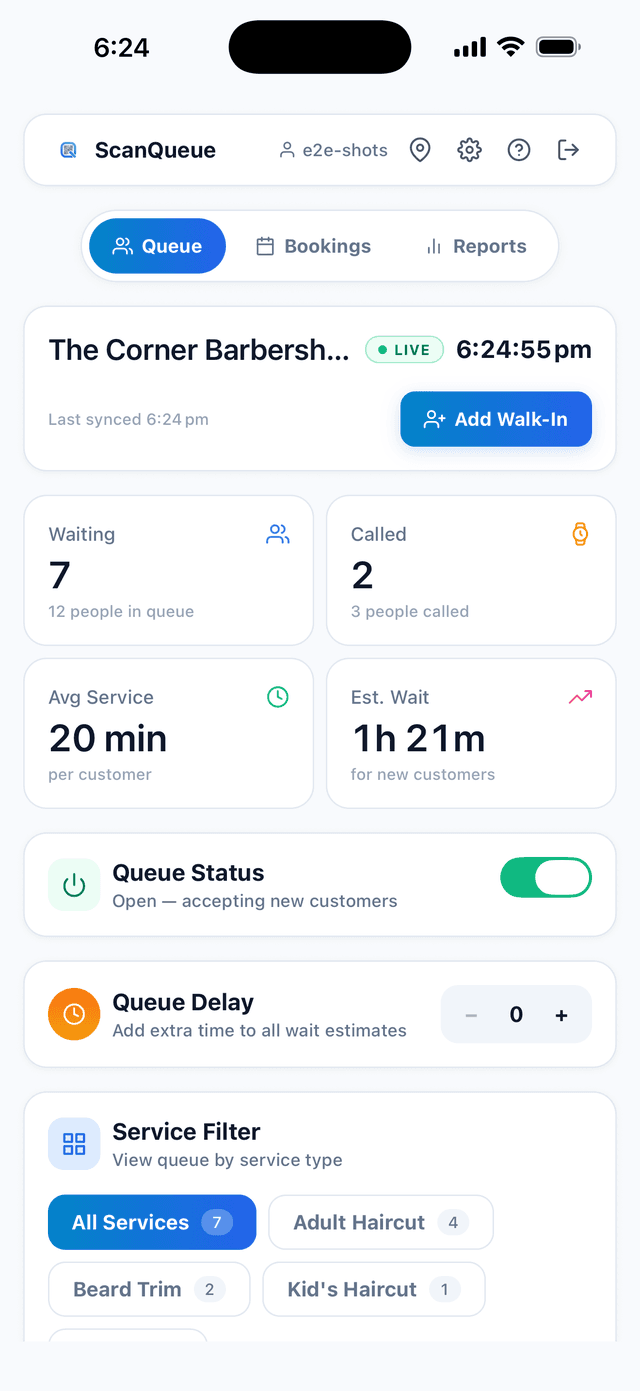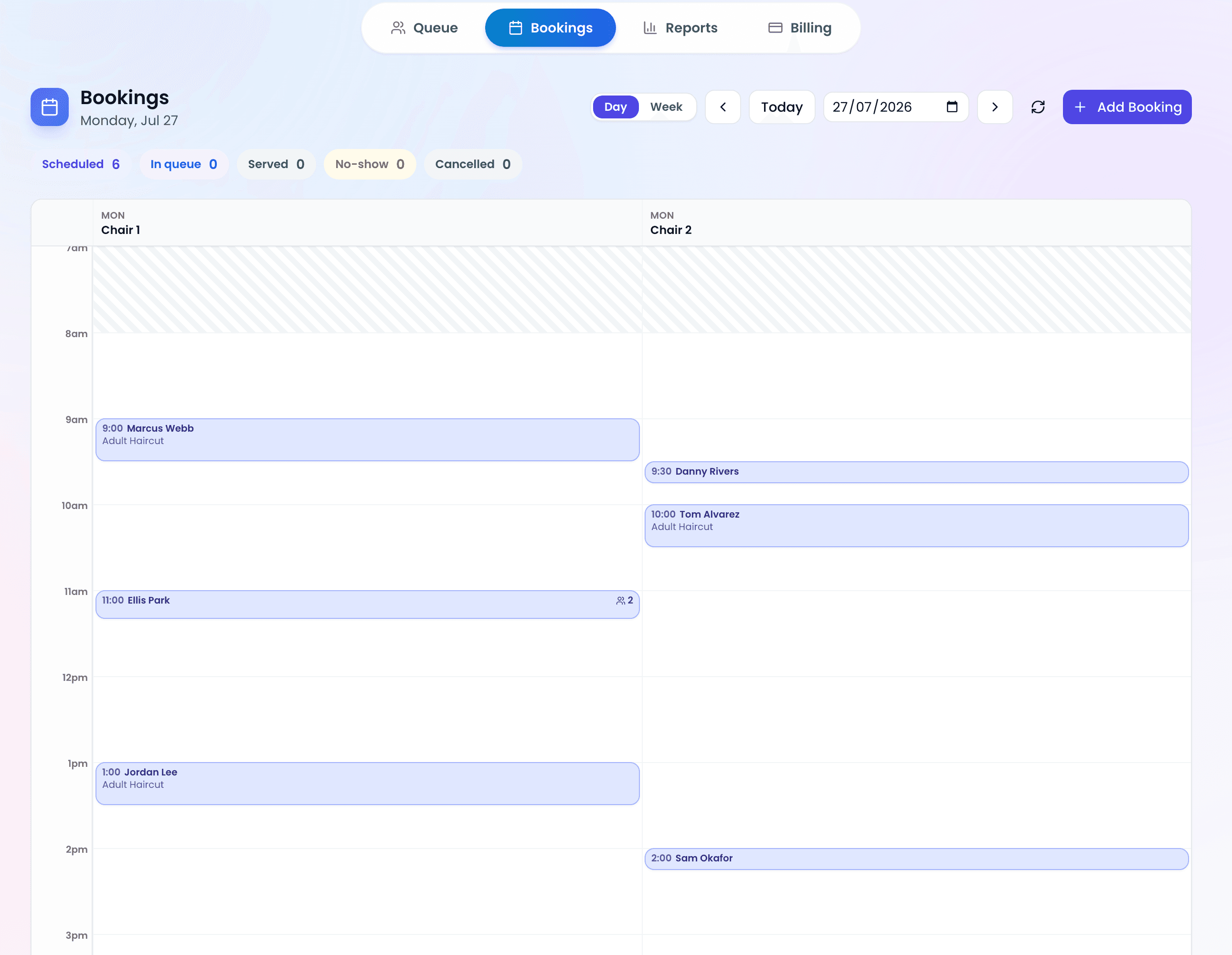
Let's be honest — when was the last time you downloaded an app just to wait in line at a coffee shop? Probably never.
That's the billion-dollar question every business faces when building a queue management system. Do you force customers to download a native app? Build a web experience? Or skip the friction altogether and go with something like a QR code?
The answer isn't the same for everyone. But one thing is clear: most customers won't download an app for a one-time visit.
That's where this guide comes in. We're breaking down every queue management approach — the good, the bad, and the surprisingly effective — so you can decide what actually makes sense for your business.
What Is a Queue Management App, Anyway?
At its core, a queue management app is software that replaces traditional waiting. Instead of standing in line, customers enter a virtual queue (whether through an app, website, or QR code scan) and get notified when it's their turn.
The app (or system) typically handles:
- Queue entry — How customers join
- Position tracking — Where they are in line
- Notifications — When to come back or arrive
- Check-in — Confirming they're ready
- Analytics — How long wait times actually are
Simple concept. But the implementation is where things get messy.
Three Ways to Run a Virtual Queue
1. The Native App Approach
This is what you probably think of first. Download the branded app, create an account, join the queue, get notifications. It's what apps like Eataly and some airports use.
The upside:
- You can send push notifications anytime
- Rich user experience with loyalty integration
- Customers always have it on their phone
- Better brand engagement (it's literally on their home screen)
The downside:
- Massive friction for first-time users
- App stores are crowded — visibility is hard
- You need to maintain it for iOS and Android
- User acquisition cost is brutal
- Customers who won't download the app walk away
When it works: Native apps shine if your customers visit regularly. Starbucks' app works because people buy coffee multiple times a week. But for one-off visits? You're asking customers to download 100MB of data and create yet another password they'll forget.
2. The Web App Approach
Skip the app store. Instead, customers visit a web URL (often from a poster or QR code), and everything happens in their browser. No installation. No account if you don't want one.
The upside:
- No download friction
- Works on any device with a browser
- Can work offline (with service workers)
- Simpler to maintain than native
- Google loves web apps for SEO rankings
The downside:
- No push notifications (depends on browser support)
- Slightly slower than native
- Less immersive experience
- Requires internet connection (usually)
When it works: Web apps are solid for moderate-frequency visits and situations where you control the environment (like a clinic where you can explain the process). They're common in European healthcare systems and modern quick-service restaurants.
3. The QR Code Approach (No App Required)
Customers see a poster or sign, scan the QR code with their phone's native camera or QR reader, land on a page, join the queue. That's it. No app. No web app. No account. Done in 5 seconds.
The upside:
- Zero friction — takes 5 seconds
- Customers who would skip an app download can still join
- Can send SMS instead of push notifications
- No ongoing maintenance burden
- Works in ultra-low-connection environments
- People already have QR code readers (built into phones)
The downside:
- Can't send push notifications (SMS instead)
- Less immersive than apps
- Depends on SMS delivery (usually reliable, but not zero-failure)
- Can feel temporary or less "premium"
When it works: QR code-based systems are perfect for:
- One-time or infrequent visits
- High-traffic scenarios (they scale instantly)
- Businesses where customers don't have time to fiddle with apps (restaurants, clinics)
- Budget-conscious operators (no app maintenance)
The Customer Experience Comparison
Here's what actually happens from the customer's perspective:
Native App (7 steps):
- See poster saying "Download our app"
- Go to app store
- Download (1–5 minutes)
- Install
- Create account
- Navigate to queue feature
- Join queue
Total time: 5 to 10 minutes.
Web App (5 steps):
- See QR code
- Scan or visit URL
- Click "Join Queue"
- Optional: brief form if you need their details
- Confirmation
Total time: 30 seconds to 2 minutes.
QR Code Direct (4 steps):
- See QR code
- Scan
- Tap notification or SMS link
- Confirmation
Total time: 5 to 10 seconds.
Notice the pattern? Every step you add, you lose customers.
When Does a Native App Actually Make Sense?
We're not saying never build an app. Apps are brilliant if:
- Your customers visit repeatedly (weekly or more)
- You have the budget for ongoing development across platforms
- You can offer exclusive value (loyalty points, member pricing, pre-booking)
- Push notifications are critical to your business model
- You already have users (like integrating a queue system into an existing app)
Starbucks, McDonald's, and banks all use apps successfully because these conditions are met. But a gastroenterology clinic? A car rental queue? A one-off food market visit? Different story.
The Data You Should Know
Two numbers worth knowing:
- 77% of daily users lost within 3 days of install for the average Android app (Quettra data, published by Andrew Chen)
- SMS open rates: as high as 98% (Gartner)
The jump from "downloads app" to "actually uses it" is where most businesses stumble.
Queue Management Systems That Actually Work
The best queue management system for your business depends on three things:
- Your customer base (regulars vs. one-time visitors)
- Your notification needs (do you need push notifications?)
- Your technical bandwidth (can you maintain multiple platforms?)
If you need speed, simplicity, and maximized adoption, QR code systems win. If you have an existing app, add a queue feature to it. If customers visit often, consider building a native app — but only as part of a broader loyalty strategy.
Hybrid Approach: The Smart Middle Ground
The best modern queue management systems offer all three options simultaneously:
- Website for power users and desktop access
- QR code for immediate participation
- Native app for loyal customers who want notifications
- SMS for everyone else
This way, you're not forcing anyone into a mould. Customers choose their experience. And you reach everyone, not just the people willing to download your app.
Frequently Asked Questions
Can I send push notifications without a native app?
Not through traditional push notifications. Web apps can request browser notification permissions, but adoption is lower. SMS is your reliable alternative.
What if my internet connection is bad?
QR code systems typically send a confirmation via SMS, which works on 2G networks. Web apps can use offline-first architecture, but they're usually more dependent on connectivity than SMS-based systems.
How do I know which approach to pick?
Ask yourself: are my customers coming back next week? If yes, app makes sense. If no, QR code or web app wins.
What about security and privacy?
QR code systems can be more private (no account needed) or less (depending on what data you collect). Apps often require accounts, which means more data points. The best systems minimize data collection regardless of the approach.
Can I switch later?
Absolutely. Start with QR code (fastest to deploy), add a web app if customers ask for more features, build a native app only if you have regular users who'll justify the investment.
What about accessibility?
Web-based approaches and QR codes (via SMS) tend to be more accessible than native apps. Apps require manual design for accessibility; web standards have built-in accessibility features.
Do customers trust QR codes?
Yes. Adoption grew sharply after 2020, and scanning a QR code is now as normal as clicking a link.
The Bottom Line
You don't need a queue management app to manage a virtual queue. In fact, for most businesses, not building an app gets better results.
The customers you gain by removing friction (QR code + SMS) far outnumber the customers you gain from a pretty app that requires a download.
Pick the approach that matches your customer behaviour, not your ambition. A hospital that gets 1,000 one-time visitors per day doesn't need an app; it needs a QR code and a text message. A gym that has 500 subscription members might benefit from a native app if they're already logged in for class bookings.
The system that works best is the one your customers will actually use. And that's rarely the one that requires a download.
Ditch the App Friction
ScanQueue makes it easy. QR code, text message, done. No app downloads, no accounts, no headaches — just efficient queuing that customers actually use.
Get Started Free →Stop losing walk-ins to wait times
Set up ScanQueue in 5 minutes. Customers scan a QR code, get SMS alerts when it's their turn, and wait anywhere.
- Free plan — no credit card
- No app download for customers
- QR code, SMS, and WhatsApp notifications
ScanQueue Team
Queue Management Experts
Helping businesses reduce wait times and improve customer experience with smart queue management solutions.