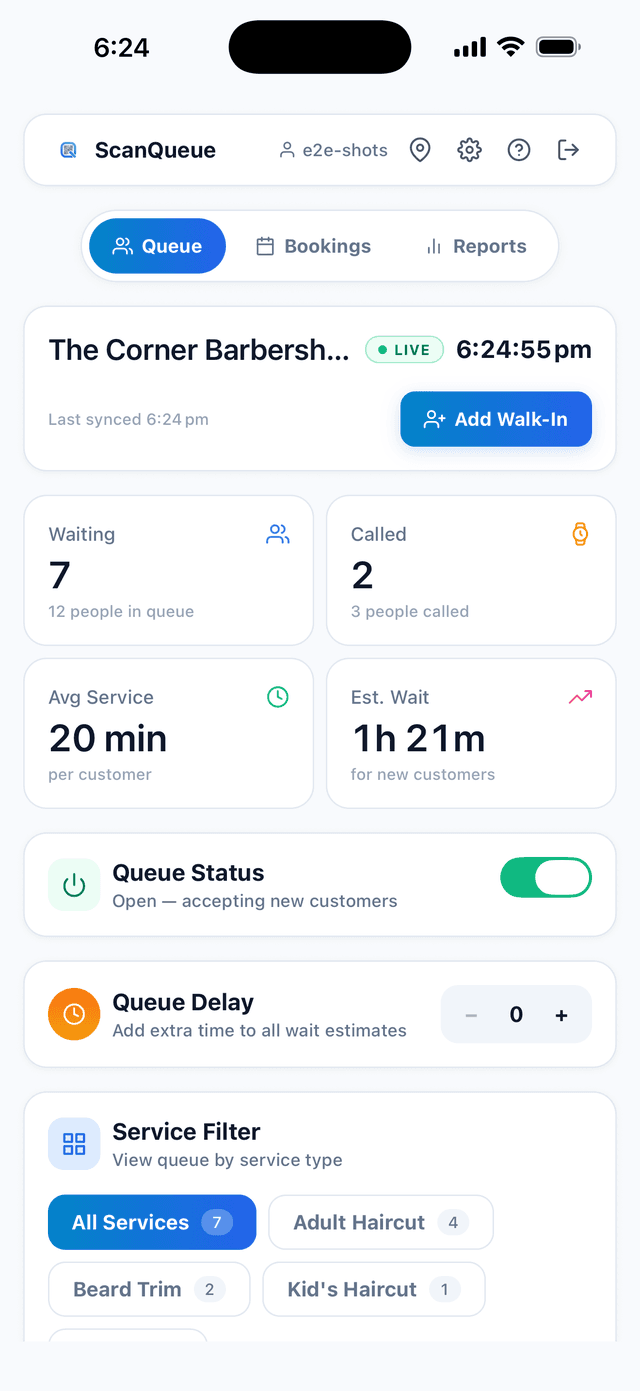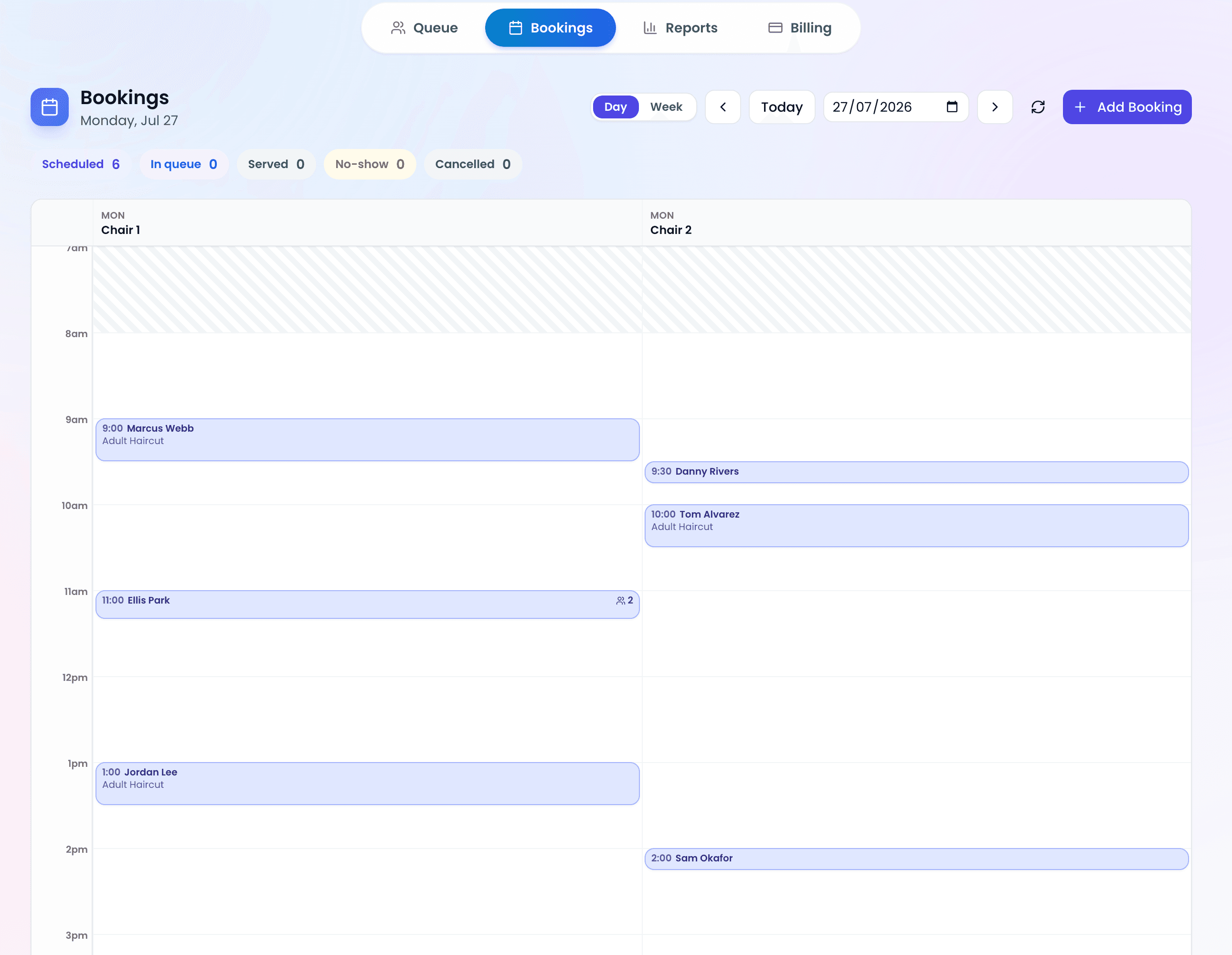
SMS open rates have been reported as high as 98%, which makes text messages the most reliable way to alert customers when their turn is coming. This guide covers everything: why SMS works, how to set it up, ideal message templates, and how it compares to other notification channels.
Push notifications get ignored. Emails sit unread. Phone calls go to voicemail. But SMS? People read texts. Gartner has reported SMS open rates as high as 98%, compared to around 20% for email.
Why SMS Notifications Matter for Queue Management
Without notifications, customers are stuck watching and waiting. They hover near the entrance, pester your staff, and get increasingly frustrated as time passes. SMS changes this dynamic completely:
- Freedom to wait anywhere: Customers can wait in their car, browse nearby shops, or grab a coffee
- Reduced anxiety: Knowing they'll be notified eliminates the fear of missing their turn
- Fewer no-shows: A timely SMS reminder brings customers back when it's their turn
- Less crowding: Your waiting area empties out when people trust the notification system
- Staff time saved: No more shouting names, walking through the waiting room, or making phone calls
How to Set Up SMS Queue Notifications
Step 1: Choose a Queue System with Built-In SMS
The easiest path is a queue management platform that includes SMS out of the box. Look for systems that bundle SMS in their plans rather than charging per message — per-message costs add up fast at volume.
ScanQueue includes SMS notifications in its Growth and Pro plans, with messages sent via local gateways for reliable delivery.
Step 2: Collect Phone Numbers at Check-In
SMS only works if you have the customer's phone number. Make this a required field on your QR code join form. Customers understand why you need it — they want to be notified.
Keep the form short. Name + phone number is the minimum. Every extra field reduces completion rates.
Step 3: Configure Your Notification Triggers
Most queue systems let you configure when notifications fire. The standard triggers are:
- Join confirmation: Sent immediately when the customer joins the queue
- Approaching turn: Sent when the customer is 2–3 spots away
- Your turn: Sent when the customer should come in
- No-show follow-up: Sent if the customer hasn't arrived after their turn notification
Pro Tip — Don't Over-Notify: More than 3 SMS messages per queue visit feels spammy. Stick to a confirmation + one reminder + the final "your turn" message. Quality over quantity.
SMS Message Templates That Work
Here are proven templates for each notification type. Keep messages short — under 160 characters fits in a single SMS segment and avoids extra charges.
Join Confirmation
"Hi [Name], you're #[Position] in the queue at [Business]. Estimated wait: [Time]. We'll text you when it's your turn."
Approaching Turn
"Heads up, [Name]! You're almost up at [Business]. Please start heading back — about [Time] to go."
Your Turn
"[Name], it's your turn at [Business]! Please come to the front. We'll hold your spot for 5 minutes."
No-Show Reminder
"Hi [Name], we called your name at [Business] but didn't see you. Reply DELAY for 5 more minutes or your spot may be given away."
Timing Best Practices
Getting the timing right is crucial. Send notifications too early and the customer arrives to wait more. Send too late and they miss their turn.
- Approaching notification: 5–10 minutes before their turn (adjust based on how far customers typically wander)
- Your turn notification: Immediately when they're next
- Grace period: Allow 3–5 minutes for the customer to arrive before moving to the next person
- No-show follow-up: 5 minutes after the "your turn" message if they haven't checked in
SMS vs Push Notifications vs Voice Calls
| Channel | Open Rate | Response Time | Requires App | Cost per Message |
|---|---|---|---|---|
| SMS | Up to 98% | Minutes | No | $0.02–$0.10 |
| Push Notification | Varies | Variable | Yes | Free |
| Voice Call | Varies | Immediate | No | $0.05–$0.30 |
| 20% | Hours | No | $0.001 |
The verdict: SMS is the best default for queue notifications. It doesn't require an app, has near-universal reach, and gets read almost immediately. ScanQueue sends SMS and WhatsApp notifications.
SMS Provider Considerations
If you're evaluating queue systems, pay attention to how they handle SMS:
- Bundled vs. per-message pricing: Some platforms charge per SMS on top of your subscription. At 50+ messages per day, this adds up quickly. Look for plans that include SMS.
- Local gateway: SMS sent via local gateways arrives faster and more reliably than messages routed through overseas servers.
- Two-way SMS: Can customers reply? Two-way SMS lets customers respond DELAY or CANCEL, which reduces no-shows and gives staff real-time information.
- Sender ID: Does the SMS show your business name or a random number? Named sender IDs build trust.
Frequently Asked Questions
How much do SMS queue notifications cost?
It depends on your provider. Standalone SMS APIs charge $0.02–$0.10 per message. Queue management platforms like ScanQueue bundle SMS into monthly plans — the Growth plan at $99/month includes notifications. See the full pricing breakdown.
Do customers find SMS notifications annoying?
No — because they explicitly opted in by providing their phone number when joining the queue. These are expected, helpful notifications, not marketing messages.
What if a customer doesn't respond to the SMS?
Build a grace period into your workflow. Send the "your turn" SMS, wait 3–5 minutes, then either send a follow-up or move to the next customer and keep the no-show in a "delayed" status. Two-way SMS helps here — customers can reply DELAY to hold their spot.
Can I customize the SMS messages?
Most queue management platforms let you customize templates with variables like customer name, position, and estimated wait time. Personalized messages perform better than generic ones — always include the customer's name.
SMS Notifications Built In, Not Bolted On
ScanQueue includes SMS notifications in Growth and Pro plans. No per-message fees, no setup complexity.
Get Started Free →Stop losing walk-ins to wait times
Set up ScanQueue in 5 minutes. Customers scan a QR code, get SMS alerts when it's their turn, and wait anywhere.
- Free plan — no credit card
- No app download for customers
- QR code, SMS, and WhatsApp notifications
ScanQueue Team
Queue Management Experts
Helping businesses reduce wait times and improve customer experience with smart queue management solutions.