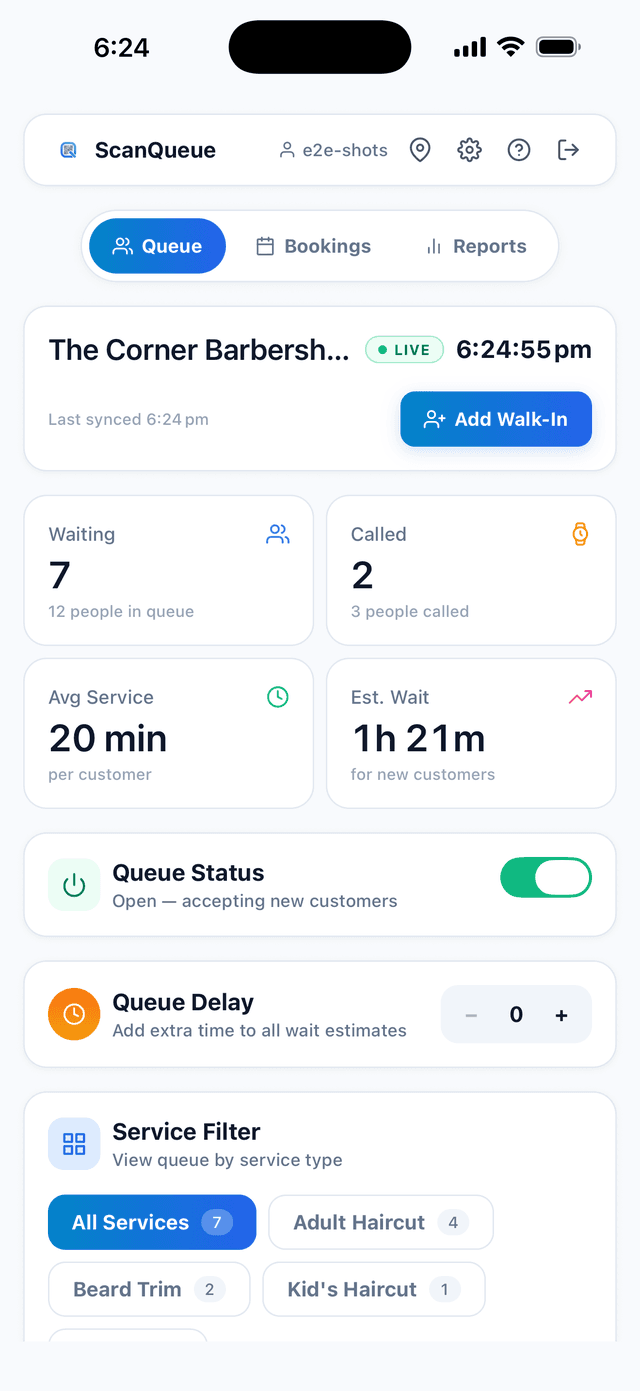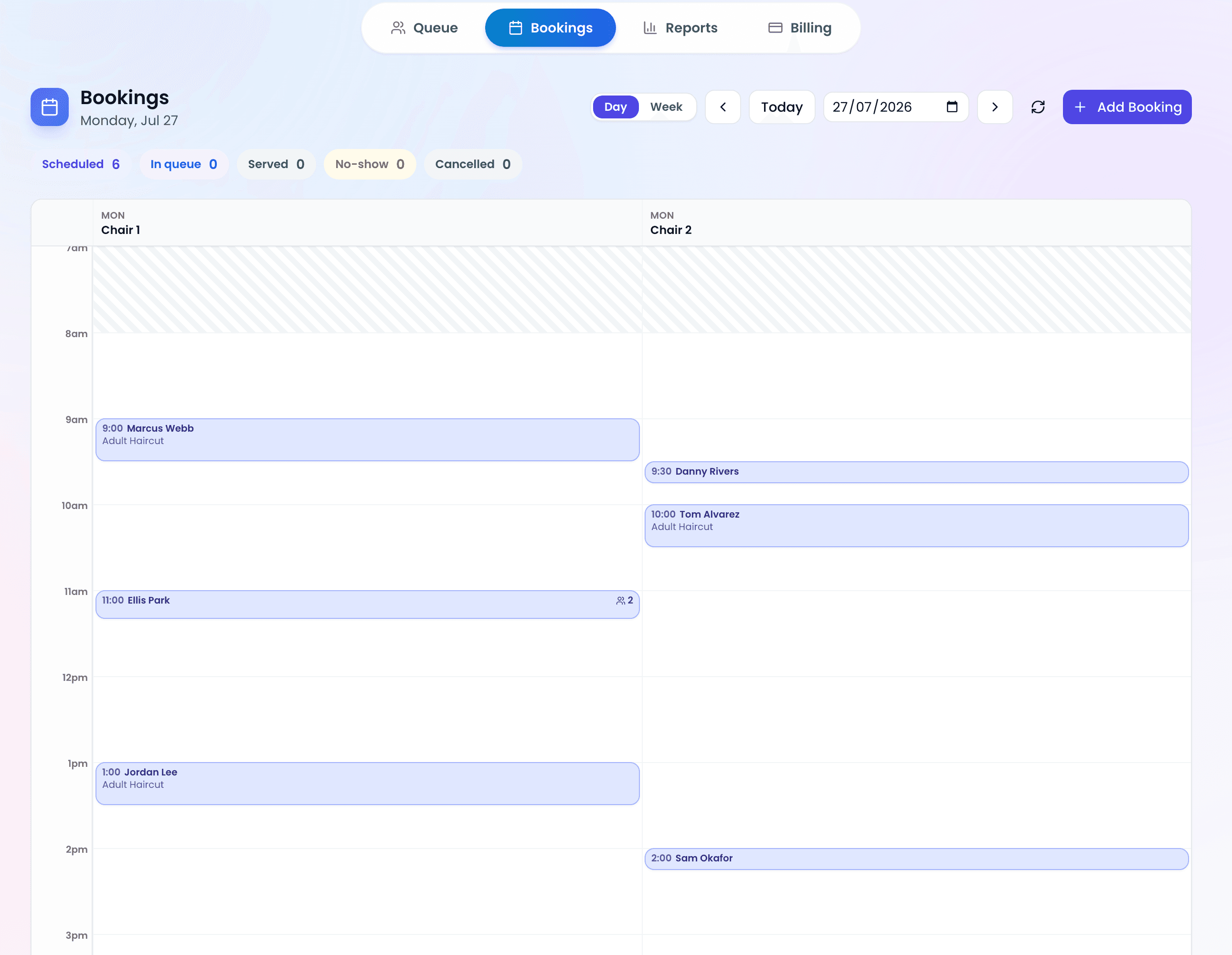
The best way to switch from paper to digital queue management is to run both systems in parallel for one week, then phase out paper. This guide gives you a complete week-by-week transition plan, addresses the most common fears, and shows you how to get staff buy-in from day one.
Switching systems feels risky. What if the technology fails? What if staff resist? What if customers are confused? These are legitimate concerns, and each one has a practical answer.
The transition is simpler than you think. Let's walk through it.
Common Fears (and Why They're Overblown)
Fear 1: "My staff aren't tech-savvy"
Modern queue management dashboards are designed to be simpler than paper. There's no learning curve — it's a list on a screen. If your staff can use a smartphone or social media, they can manage a digital queue. Most teams are fully comfortable within a single shift, not days or weeks.
The key is choosing a system that's genuinely simple. Avoid enterprise platforms with complex workflows. Look for one-click operations: one click to notify, one click to serve, one click to add a walk-in.
Fear 2: "What if the internet goes down?"
This is the most common concern — and the least likely problem. If your business has a payment terminal that works, your internet is stable enough for a queue system. Internet outages at commercial locations are rare and typically last minutes, not hours.
That said, have a backup plan: keep a small notepad behind the counter. If the internet drops for more than 10 minutes, jot names down manually and enter them when it's back. In practice, you'll almost never need it.
Fear 3: "It's going to be expensive"
It doesn't have to be. Several queue management platforms offer free tiers that include the core functionality — QR code check-in, a live dashboard, and basic queue management. Paid plans can start under $50 a month, which can pay for itself by preventing just 2–3 customer walkaways per day. Read our full cost comparison for the numbers.
Fear 4: "Older customers won't use QR codes"
Some customers will prefer not to scan, and that's fine: digital queue systems let staff add walk-ins manually in under 5 seconds. The QR code is an addition, not a replacement — it handles the self-service customers while staff handle the rest.
Pro Tip — Reframe the Conversation: Don't tell staff "we're replacing the paper system." Tell them "we're giving you a tool that handles the annoying parts — calling names, answering 'how much longer?', and managing the list — so you can focus on customers." Staff resistance evaporates when they see the tool as helping them, not replacing them.
The 4-Week Transition Plan
Week 1: Setup and Staff Training
Goal: Get the system running and train all staff.
- Day 1: Create your account and configure your join form (5 minutes)
- Day 1: Print your QR code and test it yourself — join the queue from your phone, see it appear on the dashboard
- Day 2: Show the dashboard to each staff member. Let them add a test customer, notify them, and mark them as served. This takes 5 minutes per person.
- Day 3–5: Run the digital system internally only. Staff practice adding customers digitally while still using paper for actual customers. No customer-facing changes yet.
Week 2: Parallel Operation
Goal: Run both systems simultaneously with customers.
- Display the QR code at your entrance with a sign: "Join the queue — scan here"
- Keep the paper list as backup
- Staff add walk-ins to both systems (paper + digital) for this week
- Monitor adoption: how many customers scan vs. walk up to staff?
- Collect informal feedback from staff and customers
During this week, you'll see which customers naturally gravitate to the QR code and which need staff assistance. This gives your team confidence that the system works before removing the paper safety net.
Week 3: Digital Primary, Paper Backup
Goal: Make digital the default; paper is only for emergencies.
- Stop writing names on paper. All queue management happens on the dashboard.
- Staff still add walk-ins manually to the digital system for customers who don't scan
- Enable SMS notifications if you're on a paid plan — this is where the real magic happens
- Keep a notepad behind the counter (just in case) but don't use it unless the internet fails
- Review your first week of analytics: average wait times, peak hours, queue volumes
Week 4: Full Digital Operation
Goal: Operate fully on digital. Optimize based on data.
- Remove paper sign-up sheets from public areas
- Add additional QR code placements based on where customers look for them
- Review 2 weeks of analytics to identify peak staffing opportunities
- Customize SMS templates based on what feels right for your brand
- Celebrate with your team — the transition is complete
Common Mistakes to Avoid
- Going all-digital on day one. Run parallel for at least a week. This builds staff confidence and catches any issues before paper is gone.
- Not explaining the "why" to staff. Staff need to understand the benefits to them personally: fewer interruptions, less name-shouting, less time managing the list. If they only see extra work, they'll resist.
- Hiding the QR code. A small QR code taped to the inside of a window won't get scanned. Make it big, prominent, and accompanied by clear instructions.
- Over-configuring the join form. Start with name + phone number only. You can add fields later once the system is running smoothly. Every extra field reduces completion rate.
- Not designating a "champion." Pick one staff member who's enthusiastic about the new system and make them the go-to person for questions. Peer support is more effective than manager mandates.
Measuring Success After the Switch
After 30 days on digital, compare these metrics to your paper era:
- Customer walkaways: Are fewer people leaving before being served?
- Staff time: Are front-of-house staff spending less time on queue tasks?
- Wait-related complaints: Have "how much longer?" questions decreased?
- No-show rate: If using SMS, are more people showing up when called?
- Online reviews: Are wait-related negative reviews decreasing?
Put those numbers into the ROI framework to see what the switch is worth to you.
Frequently Asked Questions
How long does the full transition take?
Four weeks for a comfortable transition. Week 1 is internal training, Week 2 is parallel operation, Week 3 is digital-primary, and Week 4 is full digital. Some businesses move faster — we've seen transitions completed in one weekend — but the 4-week plan minimizes risk and builds confidence.
What if some customers refuse to use the QR code?
That's completely fine. Staff can add any customer manually in under 5 seconds from the dashboard. The QR code reduces staff workload but doesn't replace the ability to add people by hand. Over time, most customers adopt self-service — but there's never a requirement.
Should I start with a free plan or go straight to paid?
Start free. Use the transition period to validate that the system works for your business. Once you're confident (usually Week 2–3), upgrade to get SMS notifications and analytics. There's no benefit to paying before you've proven the concept. See pricing options compared.
What equipment do I need?
A printer (to print the QR code) and any device with a web browser (phone, tablet, or computer) to manage the queue. That's it. No special hardware, no kiosks, no iPads required. Most businesses use the phone or tablet they already have at the counter.
Can I go back to paper if digital doesn't work out?
Yes. If you're using a free plan with no contract, there's zero risk. Simply stop using the digital system and go back to paper. But in practice, we've never seen a business switch back after trying digital for a full month. The benefits are too clear once you've experienced them.
Start Your Digital Queue Transition Today
Free Starter plan, 5-minute setup, no credit card. Begin your Week 1 right now.
Create Your Free Account →Stop losing walk-ins to wait times
Set up ScanQueue in 5 minutes. Customers scan a QR code, get SMS alerts when it's their turn, and wait anywhere.
- Free plan — no credit card
- No app download for customers
- QR code, SMS, and WhatsApp notifications
ScanQueue Team
Queue Management Experts
Helping businesses reduce wait times and improve customer experience with smart queue management solutions.