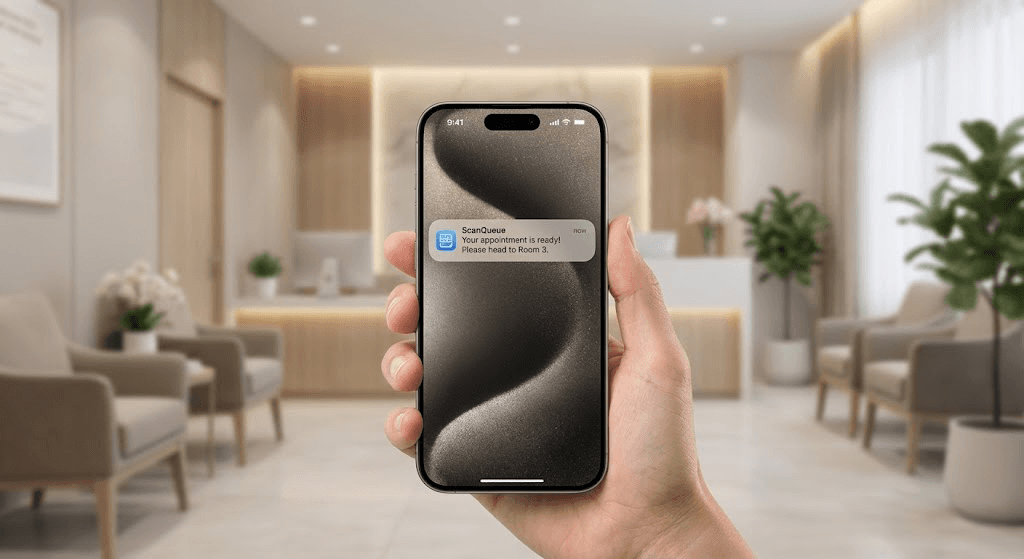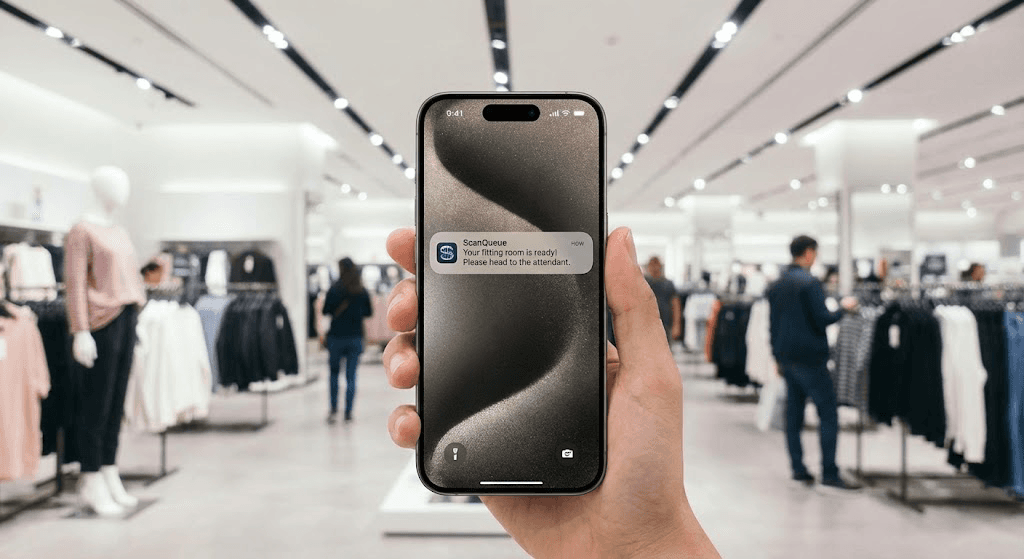
The best queue management system for a university depends on where the queue is. For walk-in-heavy enrolment and one-stop student services, ScanQueue is our pick: students join from a QR code with no app, wait anywhere on campus, and get a WhatsApp or SMS message when their desk is ready. For appointment-led advising with video meetings, QLess or Qmatic fit better.
What is the best queue management system for a university?
ScanQueue is the best fit for enrolment week and one-stop student services, WaitWell for North American one-stop centres that also book appointments, Qminder for kiosk and lobby-screen setups, and QLess or Qmatic for advising teams that want virtual meetings in the same system. The University of Roehampton in London ran its autumn 2026 enrolment on ScanQueue: between 14 August and 3 October, 11,632 students joined six service queues and 9,395 were served, with 1,465 joining on the busiest day.
What Universities Need
- Separate queues per service, so a student collecting an ID card never waits behind a visa check.
- No app download, because nobody installs an app to collect a card once a year.
- Messages that reach international students, many of whom arrive without a local mobile number.
- A plan for the peak, when demand for a single week can dwarf the rest of the term.
How We Evaluated
We scored each system on five criteria, weighted by what matters most to student-services teams. Details for every product come from its own higher-education page and published documentation, read in October 2026.
- Peak handling (25%) Does it cope with enrolment-week volume across several services at once?
- Student friction (25%) Can a student join from a QR code or link with no app or account?
- Reach (20%) Can it message students who use WhatsApp or have no local number?
- Breadth (15%) Appointments, kiosks and virtual meetings alongside the walk-in queue.
- Setup and cost (15%) Can one office pilot it quickly, and are prices published?
ScanQueue is our product. We rank it first because it is built for walk-in peaks such as enrolment; where another system suits a different job better, the entry says so.
1. ScanQueue: Best for Enrolment Peaks and One-Stop Services
Students scan a QR code, choose a service, and follow their place in line on their phone, then get a WhatsApp or SMS message when a desk is ready. Each service keeps its own queue on one dashboard, staff can add students who arrive without a phone, and a lobby display shows who is being called. At Roehampton the six queues were Card Collection (3,482 students), Student Immigration (2,857), Finance (2,319), Admissions (1,946), Registry (958) and Finance Referral (70).
Where it falls short: no built-in video meetings and no integration with student record systems; it runs alongside your SRS. There is a free Starter plan, and paid plans are published on our pricing page.
2. WaitWell: Best for North American One-Stop Centres
WaitWell positions its higher-education product for high-volume one-stop centres, combining virtual queues with booking. Its page lists joining by QR code, a website link or a self-serve kiosk, texts to international numbers, and email updates, and it cites institutions across North America.
3. Qminder: Best for Kiosk and Lobby-Screen Setups
Qminder offers student queue management for schools and universities with a check-in kiosk, a waiting-room TV, appointment scheduling and analytics, and a free trial.
4. QLess: Best for Callbacks and Virtual Meetings
QLess combines walk-ins, appointments, callback queues and virtual meetings through Zoom, Teams and WebEx in one platform, with analytics by department across one or several campuses.
5. Qmatic: Best for Appointment-Led Advising
Qmatic focuses on appointment booking and virtual advising through Teams, Zoom and Webex, with virtual queues through its Mobile Ticket and SMS or email reminders.
6. Waitwhile: Best for Scheduling-Heavy Campuses
Waitwhile describes its education product as AI-powered scheduling for schools and universities, covering appointments and queues for anything from advising to campus events, with a free trial.
Comparison Table
"Not stated" means the feature is not described on the vendor's higher-education page, not that it is impossible.
| System | Walk-in virtual queue | Appointments | Kiosk check-in | Virtual meetings | Student messages |
|---|---|---|---|---|---|
| ScanQueue | Yes | Yes | Tablet kiosk mode | No | WhatsApp, SMS |
| WaitWell | Yes | Yes | Yes | Not stated | Text, email |
| Qminder | Yes | Yes | Yes | Not stated | Not stated |
| QLess | Yes | Yes | Not stated | Zoom, Teams, WebEx | Automatic updates |
| Qmatic | Yes (Mobile Ticket) | Yes | Not stated | Teams, Zoom, Webex | SMS, email |
| Waitwhile | Yes | Yes | Not stated | Not stated | Not stated |
Stop losing walk-ins to wait times
Set up ScanQueue in 5 minutes. Customers scan a QR code, get SMS alerts when it's their turn, and wait anywhere.
- Free plan — no credit card
- No app download for customers
- QR code, SMS, and WhatsApp notifications
ScanQueue Team
Queue Management Experts
Helping businesses reduce wait times and improve customer experience with smart queue management solutions.