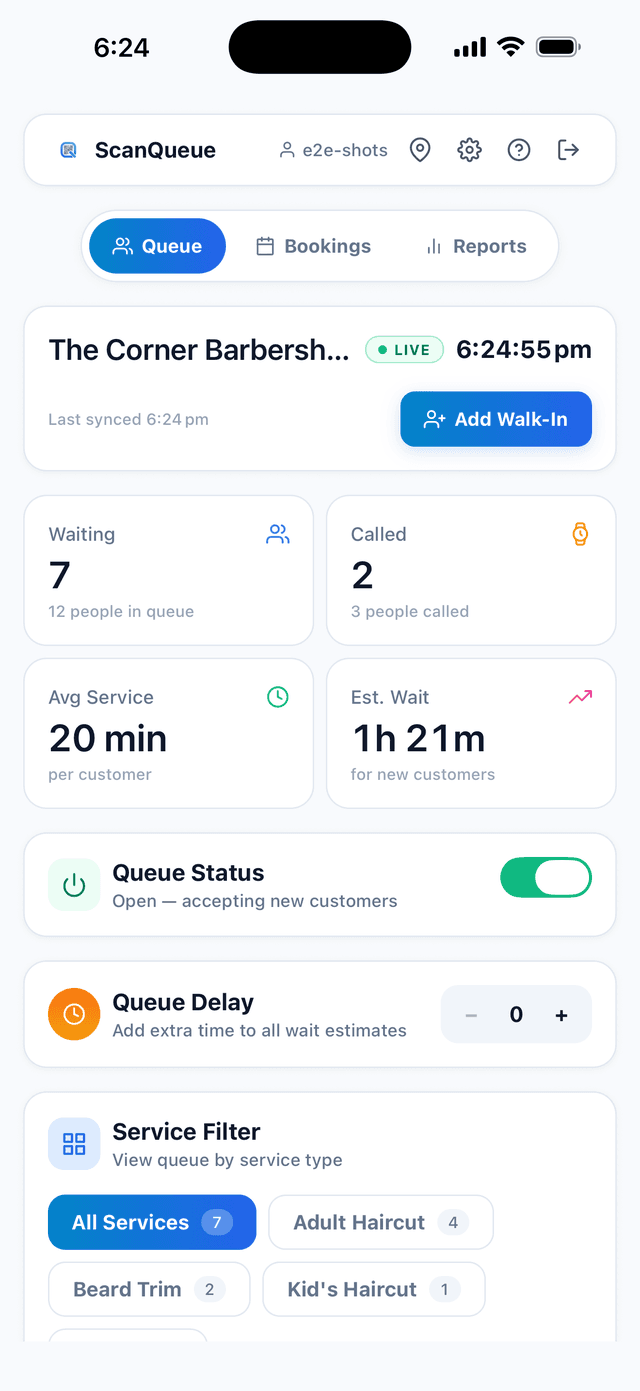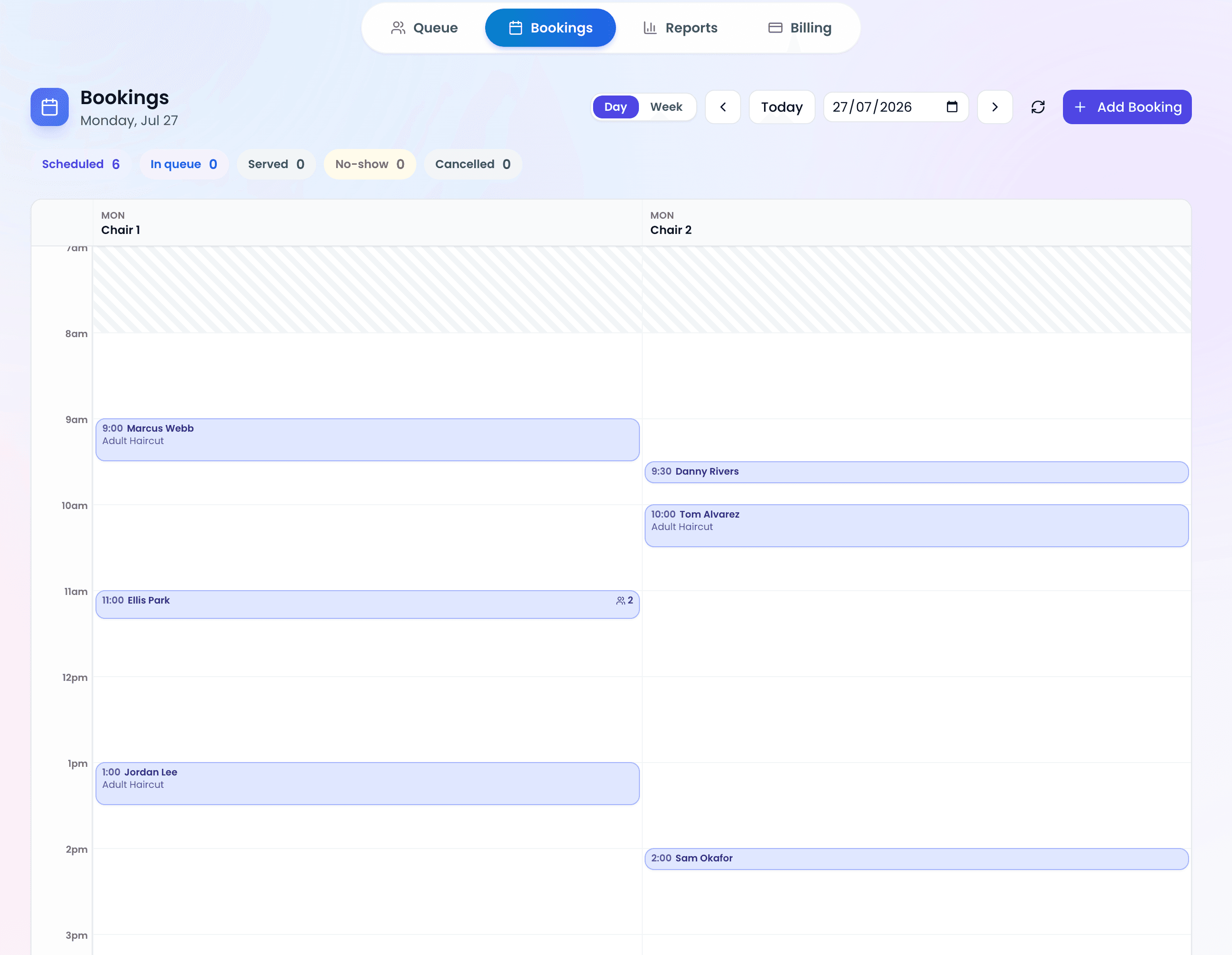
Updated 25 October 2026. By Fernando Dos Santos Mendes, founder of ScanQueue. ScanQueue is our product. We include it and say so, and we point out where another tool is the better fit.
A waitlist app lets customers join a line from their phone and get a message when it is their turn, so they can wait in their car, a nearby shop or anywhere but your front door. We compared 9 waitlist apps that small businesses actually use: restaurants, barbershops, salons, clinics, retail stores and service counters. Every price below comes from the vendor's own pricing page, checked on 25 October 2026.
Want the ScanQueue version? See our waitlist management software, or jump to the lists for restaurants, barbershops and events.
This list is about waitlists for people in a physical line. If you are looking for a pre-launch signup list for a new product (tools like GetWaitlist, LaunchList or Prefinery), that is a different kind of software and it is not covered here.
The short answer
- Walk-in businesses that want a free QR waitlist: ScanQueue
- Mixing walk-ins and appointments: Waitwhile
- Restaurants on a budget: TablesReady
- Small venues that want a waiting room display: NextMe
- The lowest cost paid plan: Waitlist Me
- Restaurants and barbers that also take reservations: Waitly
- Small shops that want unlimited visits: WaitQ
- Government and public service teams: WaitWell
- Busy service centers with many counters: Qminder
Comparison table
| App | Best for | Starting price | Free plan | Guests need an app? | Alerts |
|---|---|---|---|---|---|
| ScanQueue | Walk-in businesses that want a free QR waitlist | Free plan (100 joins a month). Paid from $49/mo | Yes, 100 joins a month | No, QR code in the browser | WhatsApp, SMS, free push |
| Waitwhile | Mixing walk-ins and appointments | Free plan (50 visits a month). Paid from $31/mo | Yes, 1 location, 50 visits a month | No, web link, QR or kiosk | 2-way SMS, email |
| TablesReady | Restaurants on a budget | Free plan (100 parties a month). Paid from $39/mo billed annually | Yes, 100 parties and 150 messages a month per location | No, self check-in link | SMS |
| NextMe | Small venues that want a waiting room display | Free plan (100 SMS a month). Paid from $49.99/mo billed annually | Yes, 100 SMS a month, 1 user | No, SMS, link or QR | SMS, WhatsApp |
| Waitlist Me | The lowest cost paid plan | Free version (limits not published). Paid from $27.99/mo billed annually | Free version, limits not published | Optional | SMS |
| Waitly | Restaurants and barbers that also take reservations | Free plan (100 guests a month). Paid from $49/mo | Yes, 100 guests a month | No, self check-in link | 2-way SMS |
| WaitQ | Small shops that want unlimited visits | From $27/mo billed annually. 7-day trial, no free plan | No, 7-day trial | No, QR or link | SMS, WhatsApp, email, push |
| WaitWell | Government and public service teams | From $29/mo per location | No | No | 2-way messaging |
| Qminder | Busy service centers with many counters | From $869/mo ($9,468/yr) | No, 14-day trial | No, iPad kiosk, QR or link | SMS |
Prices are in USD, taken from each vendor's own pricing page on 25 October 2026. Prices change, so check before you buy.
How we compared
We looked at each app from the point of view of a small business owner with walk-in customers. We read each vendor's own pricing page and product pages on 25 October 2026 and compared them on five things:
- Price and free plan. Is there a real free plan, and what does the first paid plan cost?
- Guest effort. Can a guest join with their phone camera, or do they need an app or account?
- Alerts. SMS, WhatsApp, push or email, and how many are included.
- Setup. Can an owner get it running in one afternoon without a sales call?
- Fit. Which kind of business the tool is really built for.
We did not accept payment from any vendor, and no tool paid to be listed. ScanQueue is our own product, which is why we list its limits as plainly as everyone else's. If a vendor does not publish a price, we say so instead of guessing.
1. ScanQueue: best for walk-in businesses that want a free QR waitlist
ScanQueue is our product, so read this entry with that in mind. Guests scan a printed QR code with their phone camera, enter their name and number in the browser, and get a WhatsApp, SMS or push alert when it is their turn. There is no app for guests to download and no hardware to buy. A kiosk mode lets a tablet at the door act as a sign-in screen.
Pricing (checked 25 October 2026): Starter: free, up to 100 queue joins a month, 12 WhatsApp messages, 5 SMS trial credits and free push alerts. Essential: $49 USD/mo, up to 1,000 joins and 800 WhatsApp messages, with a custom check-in form. Growth: $99/mo, up to 2,000 joins, 500 SMS credits, online booking and reminders, and online ordering, paid online through your own Square account or at the counter. Pro: $249/mo, up to 4,000 joins and multiple locations. Enterprise: $499/mo, up to 11,000 joins and white label. Annual billing on Growth and above saves 15%. See ScanQueue pricing.
Pros:
- A real free plan, not a trial
- Guests join with the phone camera, no app or account
- WhatsApp alerts on every paid plan, with SMS as a fallback
- Push alerts are free and do not use up your SMS allowance
Cons:
- Newer and smaller than Waitwhile or Qminder
- Plain SMS alerts start on Growth ($99/mo); Essential uses WhatsApp first
- No custom branding on the free plan
- No printed ticket dispenser; it is fully digital
2. Waitwhile: best for mixing walk-ins and appointments
Waitwhile is one of the best known waitlist and booking tools. It handles walk-in waitlists and appointments from the same link, with 2-way texting and a kiosk mode.
Pricing (checked 25 October 2026): Free: 1 location, 50 visits a month and a $2 SMS credit to try texting. Starter: from $31/mo, up to 10 locations and up to 2,500 visits a month. Business: from $55/mo. Enterprise: talk to sales. Annual billing saves 20%. See Waitwhile pricing.
Pros:
- Mature product with waitlist and booking in one place
- Scales to many locations
- 2-way SMS so guests can reply
Cons:
- The free plan stops at 50 visits a month
- Texting beyond the trial credit needs a paid plan
- More settings to learn than a simple QR list
3. TablesReady: best for restaurants on a budget
TablesReady is a waitlist and table management app built mainly for restaurants, with self check-in, a website embed and customizable text alerts. It also runs waitlistsoftware.com, a comparison site, and says so.
Pricing (checked 25 October 2026): Free: up to 100 parties and 150 messages a month per location, up to 2 free locations. Starter: $39/mo billed annually. Business: $79/mo billed annually. 14-day free trial on paid plans. See TablesReady pricing.
Pros:
- Generous free plan with real texting
- Table management for restaurants
- No contract or sales call
Cons:
- Restaurant first, less suited to clinics or services
- Paid prices shown are billed annually
4. NextMe: best for small venues that want a waiting room display
NextMe is a simple waitlist app with predictive wait times, a public waitlist display and WhatsApp alerts. It suits small restaurants, barbershops and service counters.
Pricing (checked 25 October 2026): Free: 100 SMS a month and 1 user. Starter: $49.99/mo billed annually ($59.99 monthly). Business: $79.99/mo billed annually ($99.99 monthly). Enterprise: contact sales. See NextMe pricing.
Pros:
- Free plan includes 100 texts
- Public waitlist display for a TV or screen
- WhatsApp alerts available
Cons:
- Free plan is limited to 1 user
- Monthly billing costs more than annual
5. Waitlist Me: best for the lowest cost paid plan
Waitlist Me is a long running, no frills waitlist with text alerts, a reservations calendar and estimated waits. It is often the cheapest paid option for a small venue.
Pricing (checked 25 October 2026): A free version is mentioned on its site, but its limits are not on the pricing page. Premium: $27.99/mo billed annually ($34.99 monthly), 1,000 notifications. Pro: $47.99/mo billed annually ($59.99 monthly), 2,500 notifications. Platinum: $79.99/mo billed annually. Extra texts cost $0.02 each. See Waitlist Me pricing.
Pros:
- Low cost paid plans
- Simple to learn
- Kiosk mode and public waitlist page on Premium
Cons:
- Free plan limits are not published
- Reports and two-way texting start on Pro
6. Waitly: best for restaurants and barbers that also take reservations
Waitly is a waitlist and reservations app for restaurants, barbershops and salons, with self check-in from your website and two-way texting.
Pricing (checked 25 October 2026): Free: 100 guests a month, 1 location. Premium: $49/mo, up to 1,000 guest parties. Professional: $99/mo, up to 3,000 guest parties, 2 locations. Enterprise: unlimited locations and guests, pricing on request. See Waitly pricing.
Pros:
- Free plan to start
- Two-way texting
- Works for restaurants and barbers
Cons:
- Reservations need the paid Premium plan
- Smaller company with less public documentation
7. WaitQ: best for small shops that want unlimited visits
WaitQ is a walk-in waitlist and booking app for small shops, with an on-brand check-in page and SMS or WhatsApp credits included.
Pricing (checked 25 October 2026): Starter: $27/mo billed annually, 1 location, 100 SMS or WhatsApp credits. Grow: $49/mo billed annually, 2 locations, 400 credits. Business: $119/mo billed annually, 5 locations, 1,000 credits. Extra locations $20/mo each. 7-day free trial. See WaitQ pricing.
Pros:
- Unlimited waitlist visits on every plan
- Low entry price
- Email and push alerts are unlimited
Cons:
- No free plan
- Prices shown are billed annually
8. WaitWell: best for government and public service teams
WaitWell is queue and appointment software aimed at public sector, government and multi-location service teams, with a combined walk-in and appointment queue.
Pricing (checked 25 October 2026): Starter: from $29/mo per location, 100 notifications a month. Basic: from $55/mo per location. Enterprise: talk to sales. See WaitWell pricing.
Pros:
- Walk-ins and appointments in one queue
- Built for government and larger service teams
Cons:
- Per location pricing adds up
- Low notification allowance on Starter
- Sales call on the plan pages
9. Qminder: best for busy service centers with many counters
Qminder is a polished queue management system for service centers, retail and offices, with iPad kiosks, service routing and strong analytics.
Pricing (checked 25 October 2026): Business: $869/mo or $9,468 a year. Premium: $1,149/mo or $12,588 a year. 14-day free trial. See Qminder pricing.
Pros:
- Strong analytics and service routing
- Well suited to multi-counter service centers
Cons:
- Priced for larger teams, not a single small shop
- No free plan
How to choose a waitlist app
- Count your busiest day, not your average day. Free plans are capped by joins, visits or texts a month. Check the cap against a busy Saturday, not a quiet Tuesday.
- Decide how guests should hear from you. SMS reaches everyone. WhatsApp is cheaper to send and common outside the US. Push alerts are free but only work if the guest allows them.
- Ask whether you also need bookings. If most customers book ahead, a booking tool with a waitlist (Waitwhile, Squire, OpenTable) may suit you better. If most walk in, a queue first tool (ScanQueue, NextMe, TablesReady) is simpler.
- Try the guest side yourself. Join your own line from your phone. If it takes more than a few seconds, your customers will notice.
Running a specific kind of business? See our guides for restaurants, barbershops and events, or the full queue management systems comparison.
Frequently asked questions
What is the best waitlist app?
It depends on how your customers arrive. For walk-in businesses that want to start free, ScanQueue, TablesReady and NextMe all have free plans with text or WhatsApp alerts. For a mix of walk-ins and appointments, Waitwhile is a strong pick. For large service centers, Qminder is built for that scale.
What is the best free waitlist app?
Of the apps we checked on 25 October 2026, ScanQueue (100 joins a month), TablesReady (100 parties and 150 messages a month), NextMe (100 SMS a month), Waitly (100 guests a month) and Waitwhile (50 visits a month) all have free plans. Check each limit against your busiest day.
Is there a waitlist app that does not need customers to download anything?
Yes. ScanQueue, Waitwhile, TablesReady, NextMe, Waitly and WaitQ all let guests join from a QR code or web link in their phone browser, with no app download.
How does a waitlist app work?
A customer scans a QR code or a staff member adds their name and number. The app shows their place in line and sends a text, WhatsApp or push message when it is their turn. Staff see and manage the whole line on a tablet, phone or computer.
Can a waitlist app work with Square?
Some can. ScanQueue's Growth plan and above connect to your own Square account for online ordering: guests order from a QR code and pay online through Square, and orders appear on your Square point of sale. ScanQueue adds no fee per order; Square's normal processing fees apply.
How much does a waitlist app cost?
Most small business waitlist apps have a free plan and paid plans from about $27 to $99 a month, based on the pricing pages we checked. Enterprise queue systems such as Qminder start at $869 a month.
Try ScanQueue free
If a QR code waitlist with WhatsApp and SMS alerts fits your business, you can start free in about 5 minutes and upgrade only if you need to. See ScanQueue's waitlist app or compare plans and pricing.
Need a waitlist for your business? See our waitlist management software.
Stop losing walk-ins to wait times
Set up ScanQueue in 5 minutes. Customers scan a QR code, get SMS alerts when it's their turn, and wait anywhere.
- Free plan — no credit card
- No app download for customers
- QR code, SMS, and WhatsApp notifications
Fernando Dos Santos Mendes
Founder, ScanQueue
Helping businesses reduce wait times and improve customer experience with smart queue management solutions.