A sign-in sheet is the simplest way to record who came in, when, and why. Whether you run a front desk, a clinic, a classroom, or an event, a clean template saves you from scribbled notes and missing details.
Below are six free, printable sign-in sheet templates for the most common uses. Pick the one you need, then print it (Ctrl+P on Windows, Cmd+P on Mac) or copy the table into Word, Google Docs, or a spreadsheet to edit the columns. No sign-up required.
What to Include in a Sign-In Sheet
Keep it to the fewest columns that capture what you actually need, so people fill it in quickly. Common fields are:
- Date and time in: the essentials on every sheet.
- Name: the person signing in.
- Company or organisation: useful for visitor and delivery logs.
- Person or service being visited: who they are here to see, or what they need.
- Time out and signature: for security, compliance, or hours tracking.
1. General Business Sign-In Sheet
A flexible all-purpose template for any front desk or reception.
| Date | Name | Time In | Time Out | Purpose / Notes |
|---|---|---|---|---|
2. Visitor Sign-In Sheet
For offices, sites, and buildings that need a record of who entered and who they came to see.
| Date | Visitor Name | Company | Person Visiting | Time In | Time Out |
|---|---|---|---|---|---|
3. Patient Sign-In Sheet
For clinics, dental practices, and medical offices. Tip: an open paper list that shows patient names can be a privacy concern. A digital check-in (covered below) avoids this.
| Date | Patient Name | Appointment Time | Time Arrived | Provider |
|---|---|---|---|---|
4. Student / Class Attendance Sign-In Sheet
For classes, training sessions, and workshops where you need a record of attendance.
| Date | Student Name | Time In | Signature |
|---|---|---|---|
5. Employee Sign-In Sheet
A simple time-tracking sheet for staff arrivals and departures.
| Date | Employee Name | Time In | Time Out | Total Hours | Signature |
|---|---|---|---|---|---|
6. Event & Conference Sign-In Sheet
For conferences, expos, workshops, and networking events. An event sign-in sheet doubles as a lead-capture list: collecting names and emails at the door gives you a follow-up list after the event ends. This conference sign-in sheet template works for a single session or a full-day agenda.
| Attendee Name | Company / Organization | Ticket / Session | Time In | |
|---|---|---|---|---|
How to Use These Templates
- Print: press Ctrl+P (Windows) or Cmd+P (Mac) and print this page, or just the template you need.
- Copy and edit: select a table, copy it, and paste into Word, Google Docs, or a spreadsheet to change the columns or add your logo.
- Reuse: keep a stack at the front desk, or print a fresh sheet each day for a clean record.
The Digital Alternative: Replace the Paper Sign-In Sheet
Paper sign-in sheets are quick to start but cost you over time: lost pages, illegible handwriting, no searchable history, and an open list that everyone can read. A digital check-in fixes all of that.
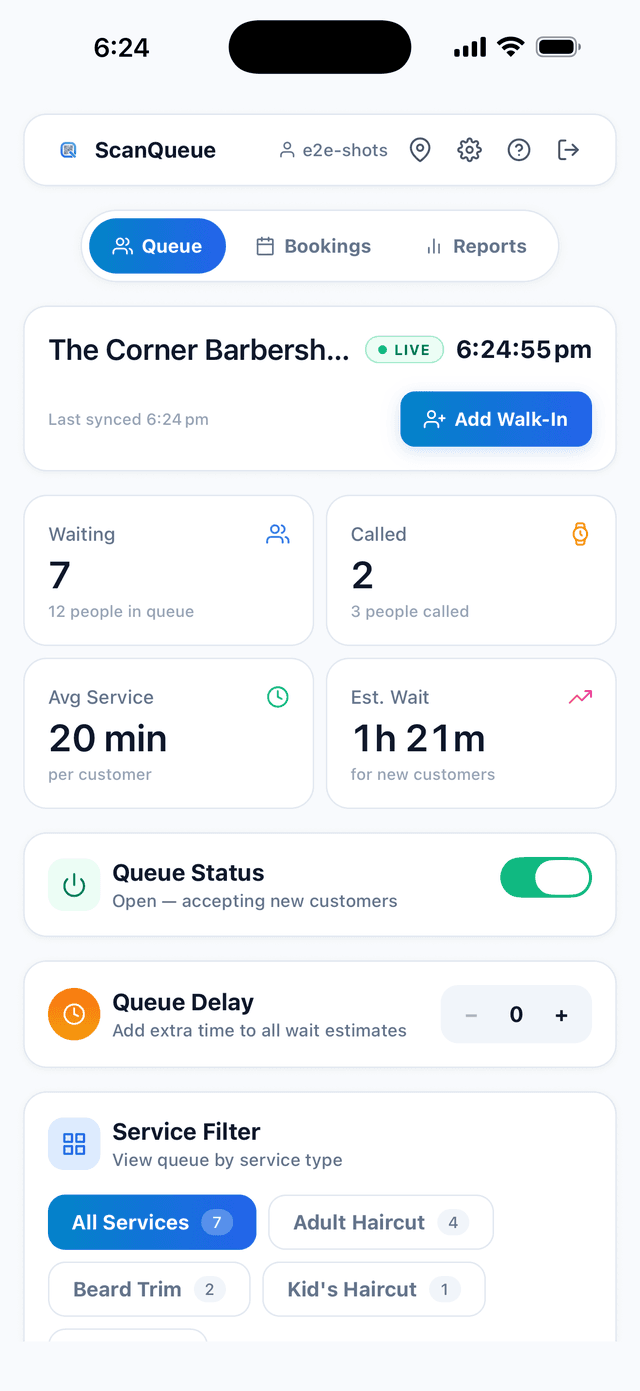
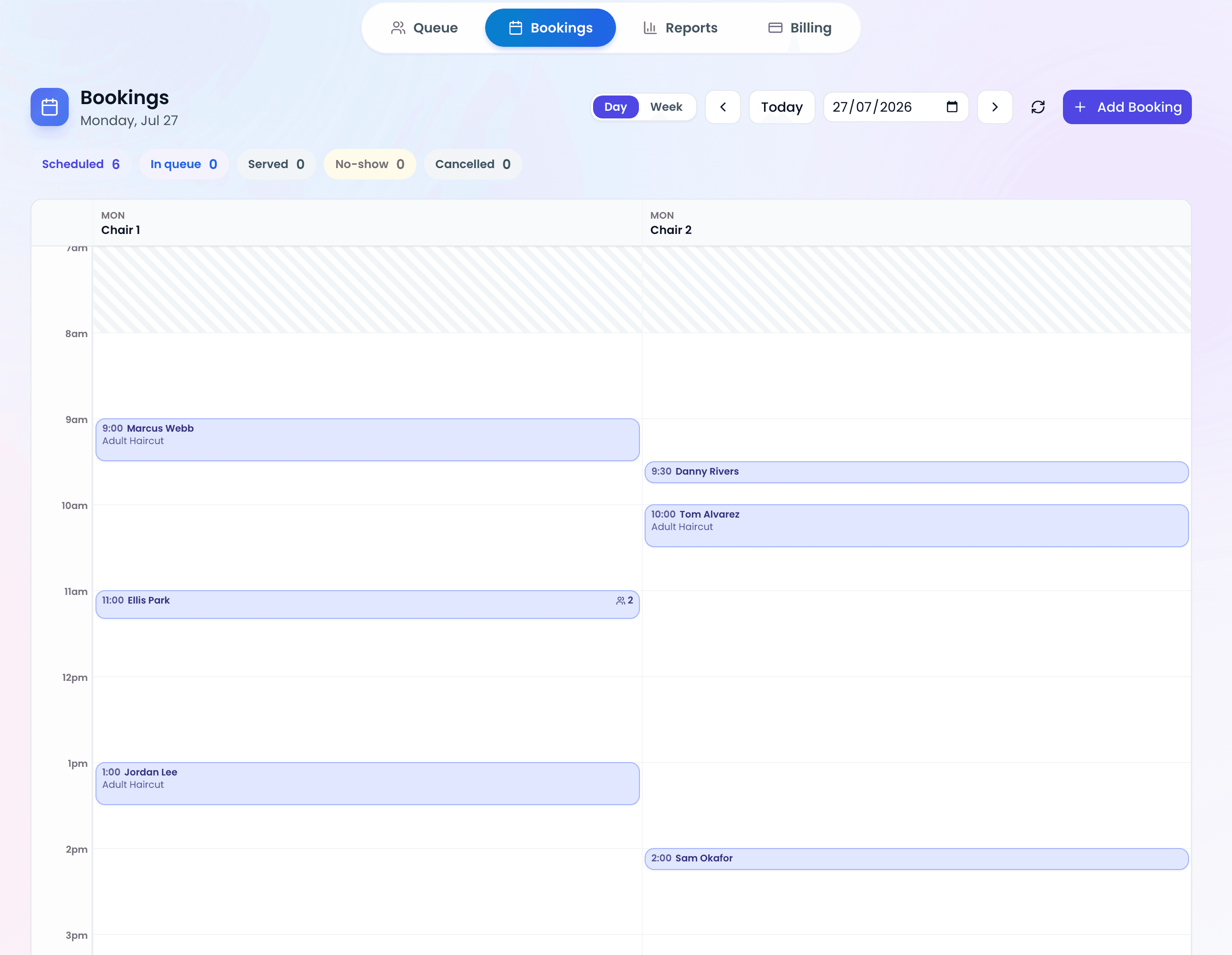
Instead of a clipboard, you place a QR code at your entrance. People scan it, enter their details on their phone, and join a live queue or visitor log. You get a timestamped, searchable record with no privacy issues, plus the option to notify people by SMS when it is their turn. For the bigger picture, see our guide on what a queue management system is, or our walkthrough of moving from paper to digital.
Stop losing walk-ins to wait times
Set up ScanQueue in 5 minutes. Customers scan a QR code, get SMS alerts when it's their turn, and wait anywhere.
- Free plan — no credit card
- No app download for customers
- QR code, SMS, WhatsApp, and voice notifications
ScanQueue Team
Queue Management Experts
Helping businesses reduce wait times and improve customer experience with smart queue management solutions.